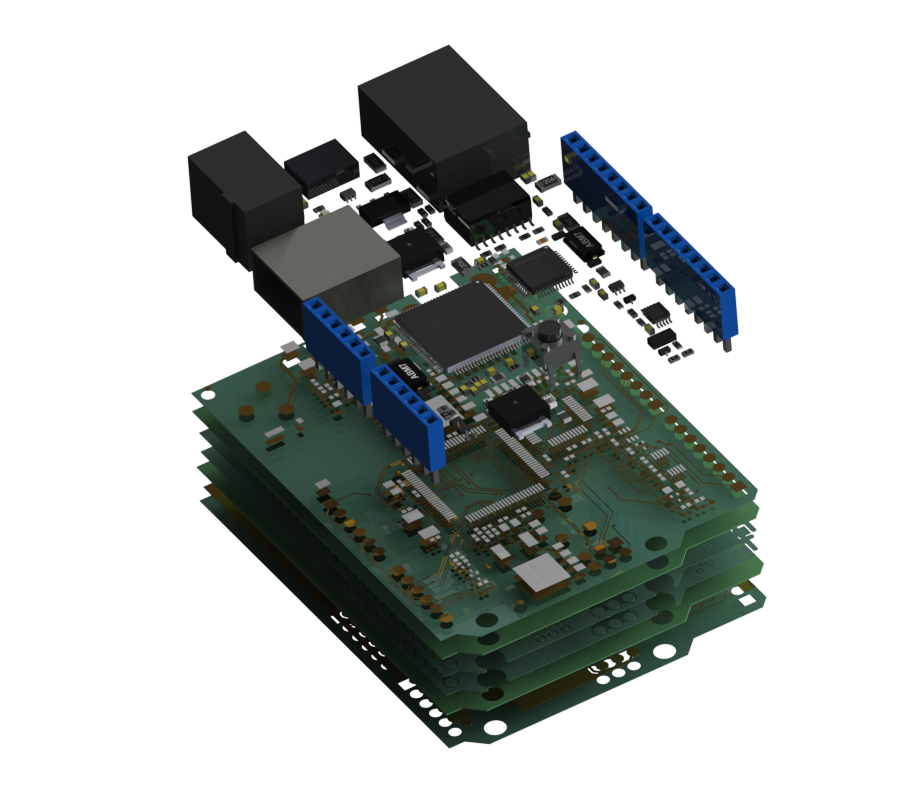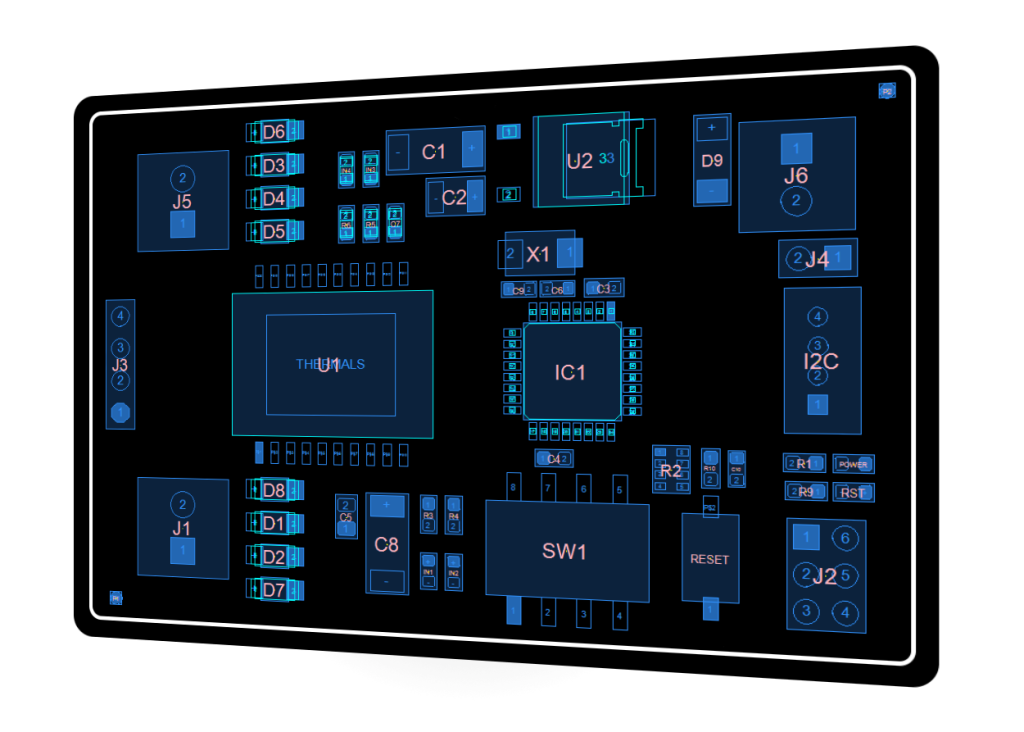
Improve your development process!
PCB-Investigator – more simple and more secure!

Developing complex multilayer Printed Circuit Boards needs new workflows to assure high quality. Visualizing information is a key step improving the design flow. PCB-Investigator helps you to reduce design loops and reduce prototype costs. Create a new quality level and satisfy your customer. Please let us help you to change the future.

The CAD/CAM Software we created is extremely easy to use and improves all areas of PCB developing, production and assembly. PCB Investigator can not only be used as ODB++ Viewer, GenCAD Viewer or IPC-2581 Viewer, it also reads and views Gerber 274x, Excellon, Sieb & Meyer, DXF and Images.
In fact it offers all functions of a professional ECAD Workstation combined with outstanding PCB Viewing qualities. In addition to this, PCB-Investigator is totally sciptable and customizable by its unique Automation Interface! From PCB development to production, always one step ahead. See for yourself.

We offer a simple way to test our CAD/CAM Software thouroughly. Just download the full version of PCB Investigator and use it with full functionality for 30 days for free, without any obligations.

Have a look at the highlights of our CAD/CAM System below and find out how it can help you with your daily tasks.

» Download PCB-Investigator and test it for free!

Register now and get a 90 day license immediately.
Please send an e-mail to info(at)easylogix.de to get the 90 day extension of the trial period.

Requirements:
Windows XP, Vista, 7
.NET Framework 4.0

» Read more

EasyLogix will attend the Electronica Trade Fair 2012 in Munich

» Read more

Find out how and why this optical illusion works!

» Read more

See some of the new Plug-Ins and features available with the next release.

» Read more

2011 was the year of our new Plug-In Interface

» Read more

EasyLogix is now member of the IPC-2581 Consortium, a group of PCB design and supply chain companies who want to establish IPC-2581 in the industry.

» Read more

Looking back on a sucessfull evening with many interesting conversations!

» Read more

Welcome to your new Drupal website!

Please follow these steps to set up and start using your website:

  1. Configure your website Once logged in, visit the administration section, where you can customize and configure all aspects of your website.
  2. Enable additional functionality Next, visit the module list and enable features which suit your specific needs. You can find additional modules in the Drupal modules download section.
  3. Customize your website design To change the "look and feel" of your website, visit the themes section. You may choose from one of the included themes or download additional themes from the Drupal themes download section.
  4. Start posting content Finally, you can create content for your website. This message will disappear once you have promoted a post to the front page.

For more information, please refer to the help section, or the online Drupal handbooks. You may also post at the Drupal forum, or view the wide range of other support options available.