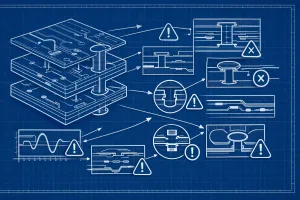
The Net List feature in PCB‑Investigator gives you instant clarity on your PCB.
It shows how many objects belong to a net, which layers it spans, and provides a quick visual check of all electrical connections.
With tools like Multi Select, Activate Layers, Show CMPs, and Optimize View, you can manage even complex designs effortlessly—perfect for highlighting nets and spotting issues faster.
Ideal when you need a fast overview without a schematic, including the option to export your net data as CSV, Excel, or TXT.
#PCBDesign #ECAD #NetList #PCBInvestigator