Synchronization between layout and documentation is often time‑consuming and prone to errors. This is where the PDF Synchronization tool in PCB‑Investigator makes a real difference – increasing efficiency and transparency throughout the entire development process.
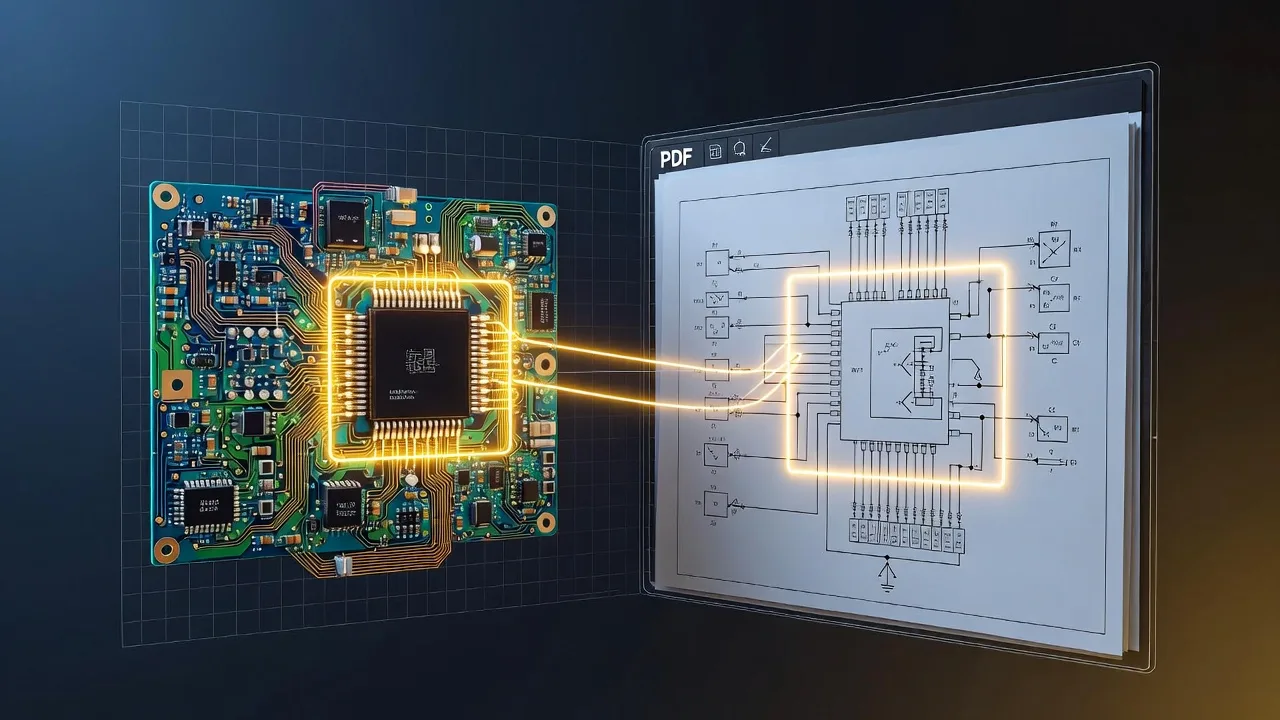
With its bi‑directional synchronization, PCB design data and the associated PDF document stay perfectly aligned. Nets and components can be highlighted in both PCB‑Investigator and the PDF, and a simple right‑click instantly reveals the corresponding location in the other view. This significantly speeds up reviewing and validating design decisions.
The feature is especially valuable when working with PDF schematics. Any change in the schematic can immediately be tracked in the layout, making it easier to verify connections and detect potential issues early. This improves quality control and accelerates troubleshooting in both design reviews and EMS production.
Additionally, the tool enables seamless integration of comments, annotations, and requirements directly into the design workflow. All team members stay aligned, communication becomes clearer, and manual steps are greatly reduced. By automating the synchronization process, the tool minimizes errors and boosts efficiency, allowing teams to focus on technical and creative tasks.
The PDF Synchronization feature is therefore essential for accurate documentation, transparent collaboration, and high product quality — from development to production.