
Virtual BOM Export for Visual PCB Collaboration
When a BOM needs to do more than list partsIn many projects, the BOM is still treated as a static document. The data may be correct, but the crucial context…



When a BOM needs to do more than list partsIn many projects, the BOM is still treated as a static document. The data may be correct, but the crucial context…
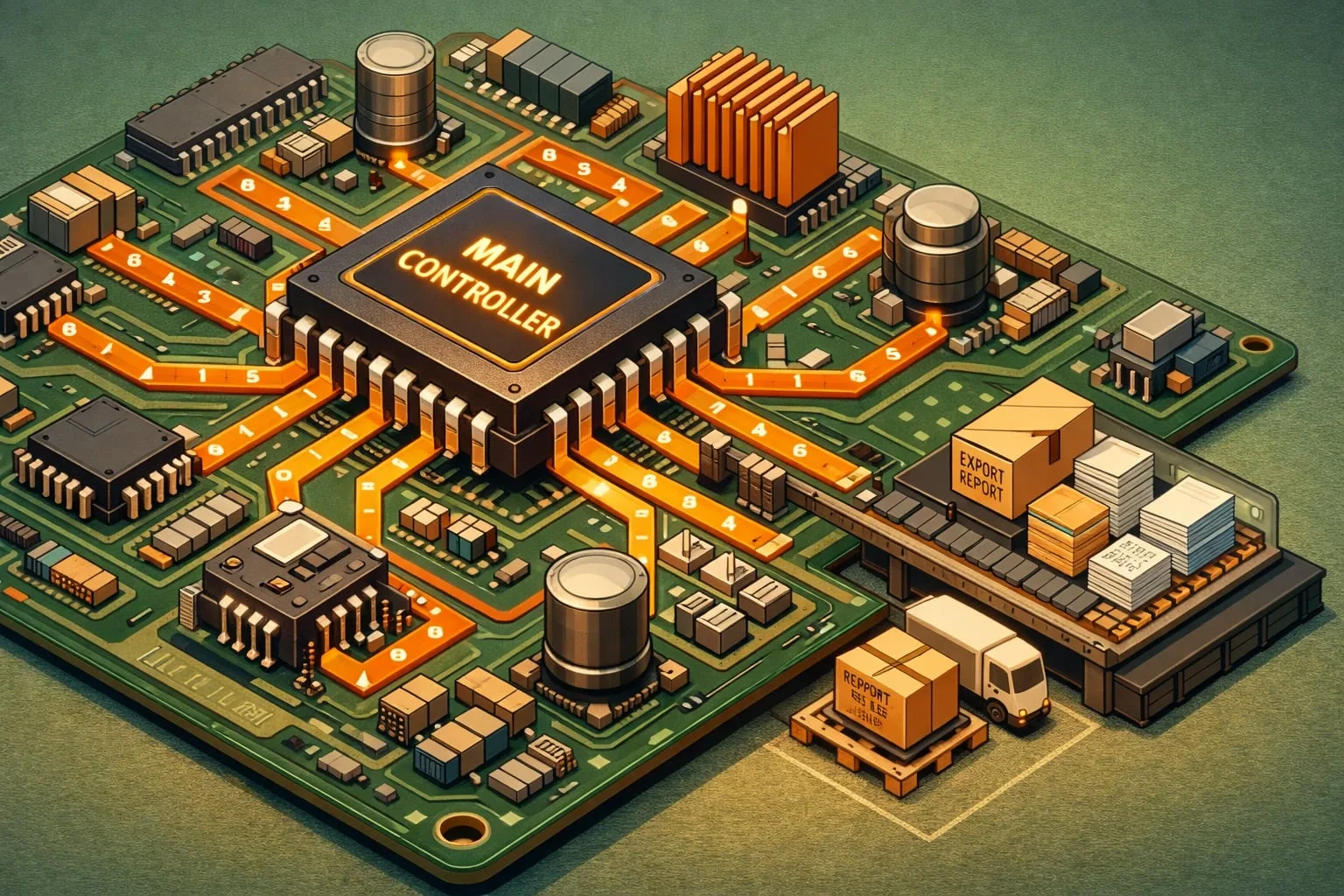
Clearer visibility at pin and net levelReliable production starts with traceable analysis. The Component Connection Analysis Plug-in in PCB-Investigator examines every pin connection of a selected component and displays the…

PCB component editing should not slow down design iterationIn PCB development, the biggest delays are often not in routing itself, but in the steps around it: checking placement, refining component…

Turn PCB layouts into usable 3D modelsIn many development projects, the ECAD/MCAD handoff starts with the same challenge: the PCB layout is ready, but mechanical engineering needs a 3D model…
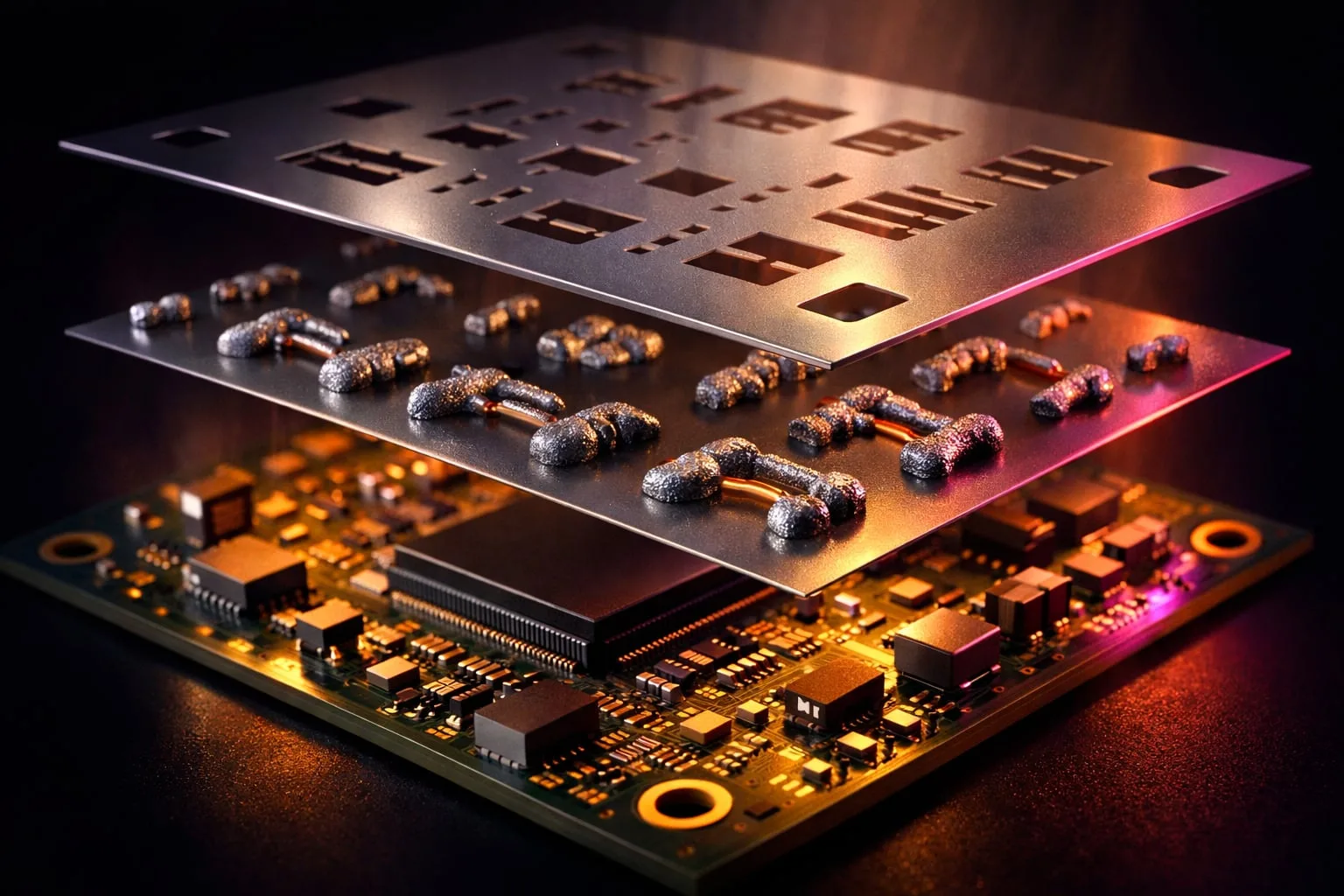
Why stencil analysis matters in PCB productionIn PCB manufacturing, small details often determine whether a build runs smoothly or creates avoidable quality issues. Insufficient paste coverage or an unfavorable relationship…
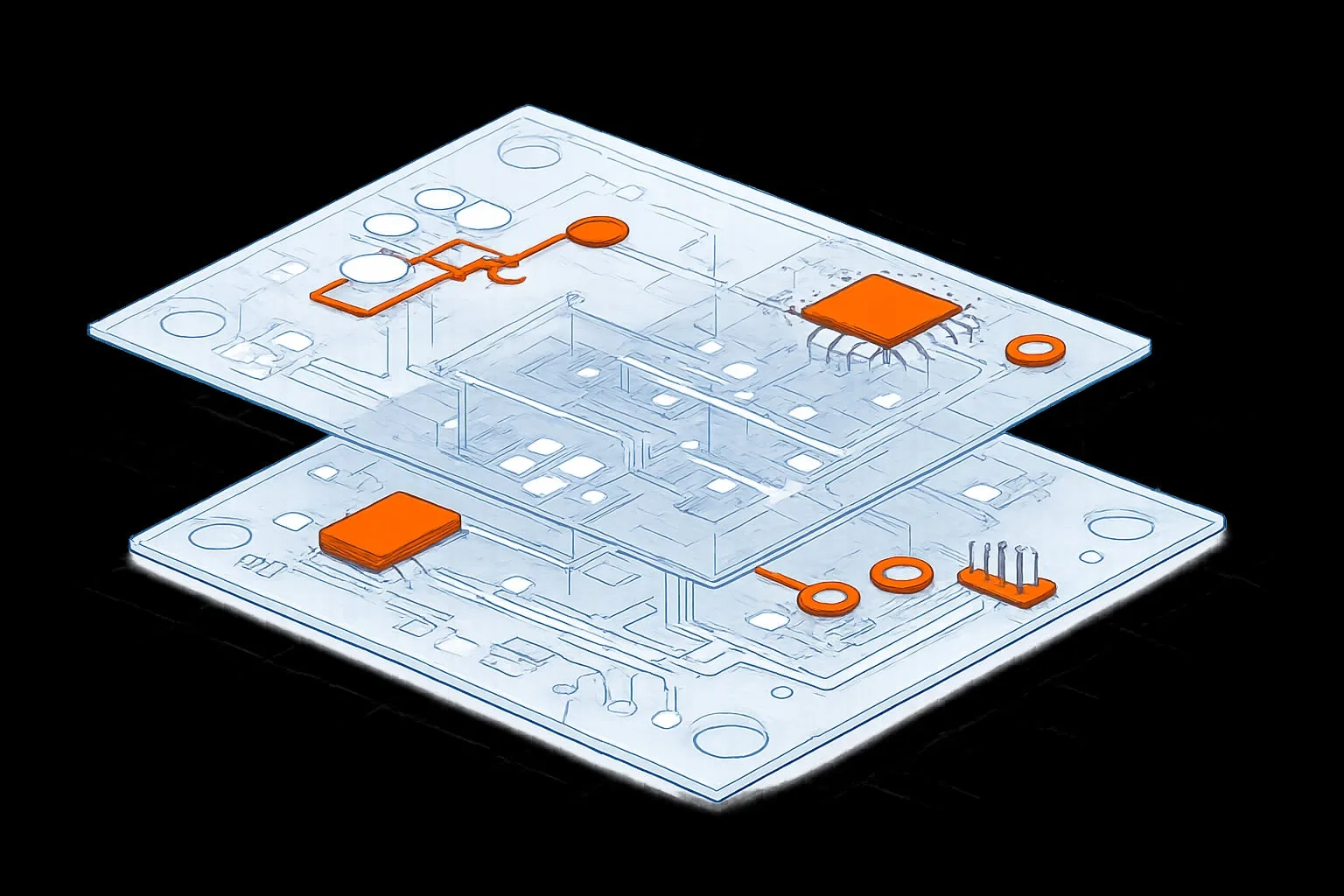
Why precise PCB comparison matters in developmentIn PCB engineering, small design changes can have a major impact on manufacturability, quality, and release readiness. That’s why traceable comparisons between layout, development,…

Why component editing matters in PCB designPCB workflows often slow down where iteration should be fastest: component placement, package reuse, and the handoff between analysis and design. The Edit Components…

Spot PCB safety risks before they become design problemsIn PCB development, safety and clearance issues often stay hidden until late in the process. PCB-Investigator’s Hazard Analysis plug-in changes that by…

Catch capacitive imbalance before it affects the busIn high-speed PCB design, small geometric changes can have a big electrical impact. Even a local break in ground referencing can create uneven…
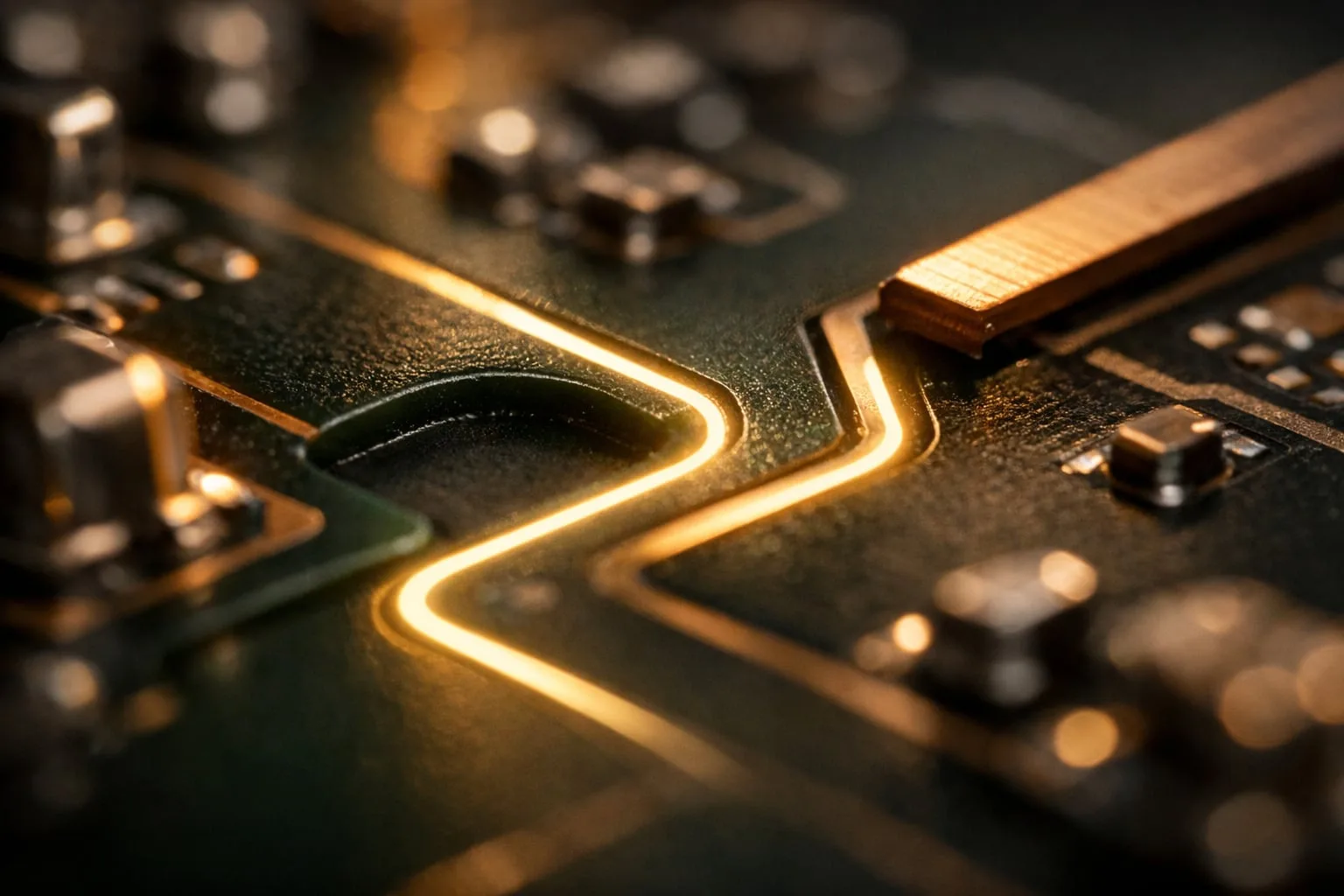
Why creepage matters in high-voltage PCB designOnce a design exceeds 30 V, safety requirements become much stricter. Standards such as DIN EN 60664 / VDE 0110, IPC-2221A, and UL60950-1 define…