Skip to content
  • Other Products
    • Panel Optimizer
    • GerberLogix
    • Online GerberViewer
    • Native Board Import (NBI)
    • PCB CAM Online
    • Easy Documentation
    • PCBI Web App & Xplorer Vision
  • Client Login
  • de_DE en_US
PCB-Investigator
  • Editions
    • Select your edition
      • Basic
      • Ultimate
      • Fabrication
    • [Blank]
      • Production Control
      • Developer
      • Physics
  • Features
    • Data Management
      • Database Comparison
      • Graphic Board Compare – Compare your Designs
      • Package Expert
      • PDF Synchronization
      • PCBI 365
    • Developer Tools
      • Capacity Calculator
      • Color Groups
      • Component Connection Analysis
      • Creepage Analysis
      • Database Comparison
      • Hazard Analysis
      • Impendance Calculator
      • Net Group
      • Net Length
      • Power Pin Wizard
      • Stencil Analysis
      • PDF Synchronization
      • PCBI Scripting
      • Physics (Thermal Analysis / Current Simulation)
    • Fabrication Tools
      • Graphic Board Compare – Compare your Designs
      • AOI
      • AOI Analyse
      • Bare Board Analysis DRC
      • BOM EXPERT
      • Component Analysis
      • Component Report
      • Design Report
      • DFT Preparation
      • DFM (Design for Manufacturing)
      • Edit Components
      • Net List
      • Panel Builder
      • PLACEMENT PROGRAM GENERATION (SIPLACE)
      • Testpoint Report
      • Tombstone Analysis
      • Stencil Generation
    • Import/Export
      • 3D Export (Step/Obj/3D-PDF/WebGL)
      • Components(CSV) Import
      • DXF Import/Export
      • EAGLE Import
      • GenCAD Import/Export
      • Gerber 274x Import/Export
      • IDF Import/Export
      • IPC-2581 A/B/C Import/Export
      • Machine Formats and Interfaces
      • ODB++ Import/Export
      • Fabmaster – Import of Cadence and FABmaster files
      • IDX Export
      • Mentor Pads Import
      • DPF Import
      • Zuken Import
    • Reporting
      • Database Comparison
      • Graphic Board Compare – Compare your Designs
      • Component Report
      • Design Report
      • Extended Design Report
      • Test Coverage Report
      • Part Expert
      • Virtual BOM Export
      • Work Instructions – Generate Production Documentation
    • Simulation
      • AOI Analyse
      • Hazard Analysis
      • Physics (Thermal Analysis / Current Simulation)
  • Support
    • Help Center
      • Client Login
      • License systems
      • Documentation
      • How-To Instructions
      • Videos
      • SDK & Participate
      • FAQs
    • Contact
      • Contact form
      • Training
      • Data Transfer
  • What is new?
    • News
    • Blog
  • Get a quote
  • Free trial
Menu Close
  • Editions
    • Select your edition
      • Basic
      • Ultimate
      • Fabrication
    • [Blank]
      • Production Control
      • Developer
      • Physics
  • Features
    • Data Management
      • Database Comparison
      • Graphic Board Compare – Compare your Designs
      • Package Expert
      • PDF Synchronization
      • PCBI 365
    • Developer Tools
      • Capacity Calculator
      • Color Groups
      • Component Connection Analysis
      • Creepage Analysis
      • Database Comparison
      • Hazard Analysis
      • Impendance Calculator
      • Net Group
      • Net Length
      • Power Pin Wizard
      • Stencil Analysis
      • PDF Synchronization
      • PCBI Scripting
      • Physics (Thermal Analysis / Current Simulation)
    • Fabrication Tools
      • Graphic Board Compare – Compare your Designs
      • AOI
      • AOI Analyse
      • Bare Board Analysis DRC
      • BOM EXPERT
      • Component Analysis
      • Component Report
      • Design Report
      • DFT Preparation
      • DFM (Design for Manufacturing)
      • Edit Components
      • Net List
      • Panel Builder
      • PLACEMENT PROGRAM GENERATION (SIPLACE)
      • Testpoint Report
      • Tombstone Analysis
      • Stencil Generation
    • Import/Export
      • 3D Export (Step/Obj/3D-PDF/WebGL)
      • Components(CSV) Import
      • DXF Import/Export
      • EAGLE Import
      • GenCAD Import/Export
      • Gerber 274x Import/Export
      • IDF Import/Export
      • IPC-2581 A/B/C Import/Export
      • Machine Formats and Interfaces
      • ODB++ Import/Export
      • Fabmaster – Import of Cadence and FABmaster files
      • IDX Export
      • Mentor Pads Import
      • DPF Import
      • Zuken Import
    • Reporting
      • Database Comparison
      • Graphic Board Compare – Compare your Designs
      • Component Report
      • Design Report
      • Extended Design Report
      • Test Coverage Report
      • Part Expert
      • Virtual BOM Export
      • Work Instructions – Generate Production Documentation
    • Simulation
      • AOI Analyse
      • Hazard Analysis
      • Physics (Thermal Analysis / Current Simulation)
  • Support
    • Help Center
      • Client Login
      • License systems
      • Documentation
      • How-To Instructions
      • Videos
      • SDK & Participate
      • FAQs
    • Contact
      • Contact form
      • Training
      • Data Transfer
  • What is new?
    • News
    • Blog
  • Get a quote
  • Free trial
  • Other Products
    • Panel Optimizer
    • GerberLogix
    • Online GerberViewer
    • Native Board Import (NBI)
    • PCB CAM Online
    • Easy Documentation
    • PCBI Web App & Xplorer Vision
  • Client Login
  • de_DE en_US
Search this website
  1. Home>
  2. Blog>
  3. Page 11

Blog

Read more about the article Validate AOI Inspectability Before Production Starts

Validate AOI Inspectability Before Production Starts

  • Post author:Easylogix
  • Post published:26. June 2026
  • Post category:Blog

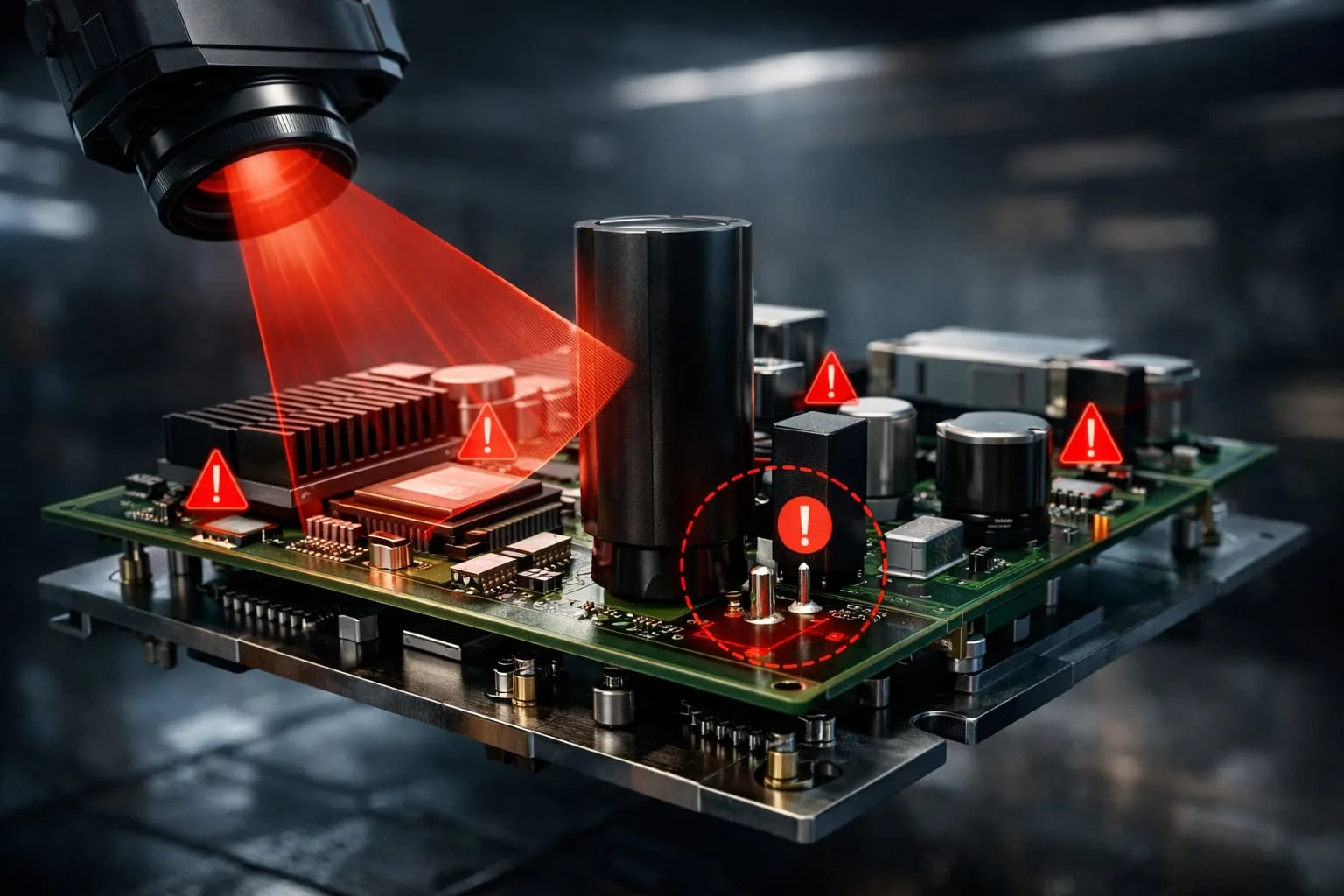
AOI problems usually start in the layoutIf an automated optical inspection system cannot see a pin, the root cause is often not the line—it is the PCB design. Tight component…

Continue ReadingValidate AOI Inspectability Before Production Starts
Read more about the article PCB-Investigator: 30-Day Free Trial for Engineers

PCB-Investigator: 30-Day Free Trial for Engineers

  • Post author:Easylogix
  • Post published:26. June 2026
  • Post category:Blog

PCB-Investigator: 30-Day Free Trial for EngineersChoosing PCB analysis software is never just about features on a product page. The real question is whether the tool fits your engineering workflow, your…

Continue ReadingPCB-Investigator: 30-Day Free Trial for Engineers
Read more about the article Stencil Analysis for Better PCB Manufacturing Quality

Stencil Analysis for Better PCB Manufacturing Quality

  • Post author:Easylogix
  • Post published:26. June 2026
  • Post category:Blog

Why Stencil Analysis Matters in PCB DevelopmentIn PCB manufacturing, success is not determined by the circuit layout alone. Just as important is whether the solder paste areas are properly designed…

Continue ReadingStencil Analysis for Better PCB Manufacturing Quality
Read more about the article Power Pin Wizard for Faster PCB Power Net Review

Power Pin Wizard for Faster PCB Power Net Review

  • Post author:Easylogix
  • Post published:24. June 2026
  • Post category:Blog

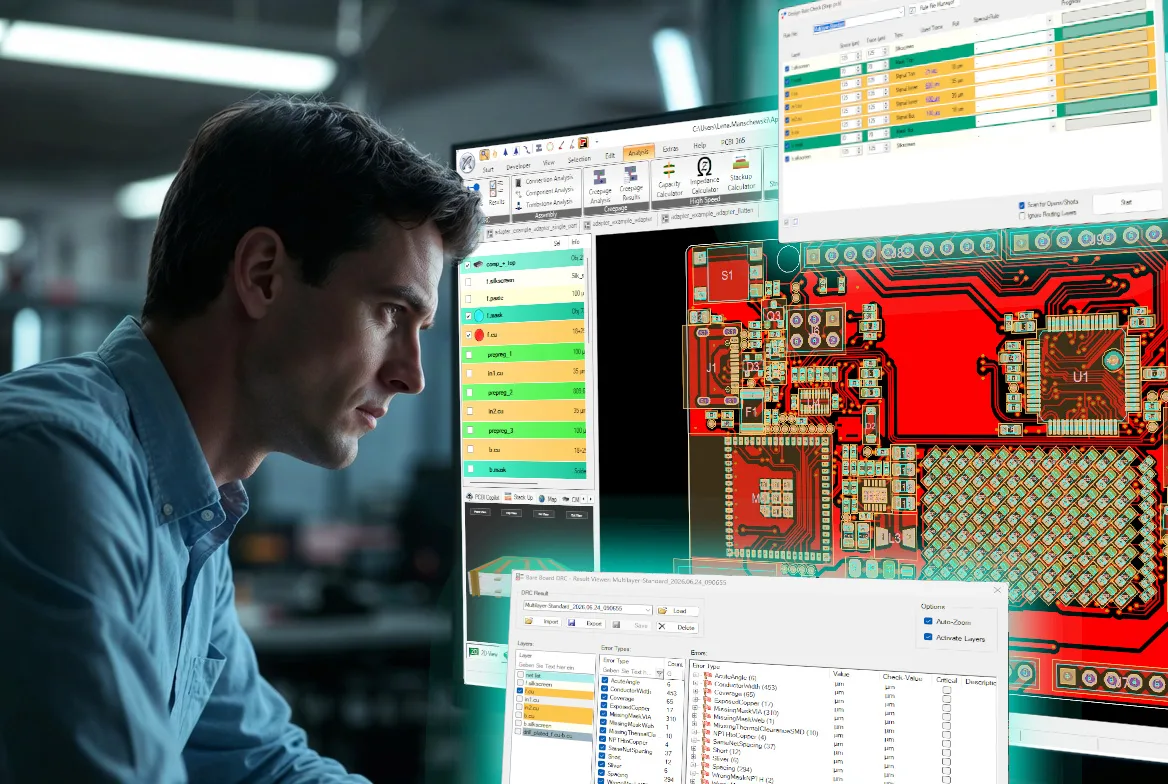
See power and ground connections instantlyIn complex PCB layouts, quickly identifying the most important supply and ground connections can save a surprising amount of time. The Power Pin Wizard in…
Continue ReadingPower Pin Wizard for Faster PCB Power Net Review
Read more about the article Tutorial: DRC Analysis with PCB Investigator – Detect Manufacturing Issues Early

Tutorial: DRC Analysis with PCB Investigator – Detect Manufacturing Issues Early

  • Post author:Easylogix
  • Post published:24. June 2026
  • Post category:Blog

Every PCB design contains potential risks that may only become apparent during manufacturing—such as insufficient trace spacing, inadequate annular rings, solder mask clearance issues, or critical drill-to-copper distances. With PCB…

Continue ReadingTutorial: DRC Analysis with PCB Investigator – Detect Manufacturing Issues Early
Read more about the article PCB 3D Export for STEP, OBJ, PDF and WebGL

PCB 3D Export for STEP, OBJ, PDF and WebGL

  • Post author:Easylogix
  • Post published:24. June 2026
  • Post category:Blog

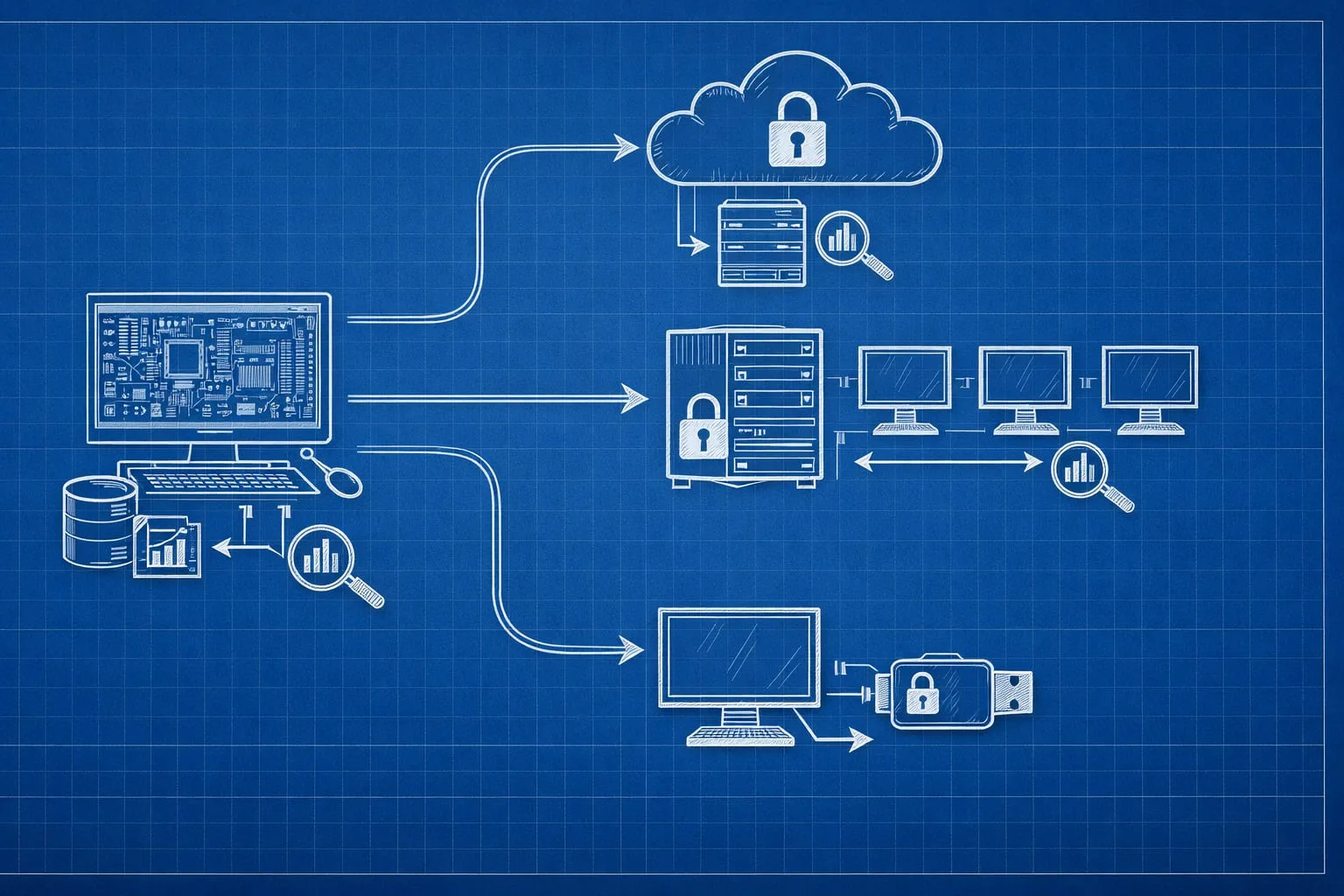
From PCB layout to usable 3D dataWhen PCB development meets mechanical design, 2D data is often not enough. Housing checks, assembly reviews, and ECAD-to-MCAD handoffs become much easier when the…
Continue ReadingPCB 3D Export for STEP, OBJ, PDF and WebGL
Read more about the article PCB-Investigator License Models Compared

PCB-Investigator License Models Compared

  • Post author:Easylogix
  • Post published:23. June 2026
  • Post category:Blog

Which license model fits your engineering team?When deploying engineering software, the license model often determines how smoothly the tool will be used in daily work. PCB-Investigator offers three different licensing…

Continue ReadingPCB-Investigator License Models Compared
Read more about the article How Much Knowledge Is Hidden in Your PCB Data?

How Much Knowledge Is Hidden in Your PCB Data?

  • Post author:Easylogix
  • Post published:23. June 2026
  • Post category:Blog

More Than GeometryIn many projects, PCB data is treated primarily as the foundation for layout work. But a closer look reveals that these files contain far more than traces and…

Continue ReadingHow Much Knowledge Is Hidden in Your PCB Data?
Read more about the article Virtual BOM Export for Visual PCB Collaboration

Virtual BOM Export for Visual PCB Collaboration

  • Post author:Easylogix
  • Post published:22. June 2026
  • Post category:Blog

When a BOM needs to do more than list partsIn many projects, the BOM is still treated as a static document. The data may be correct, but the crucial context…

Continue ReadingVirtual BOM Export for Visual PCB Collaboration
Read more about the article Find PCB Problems Before They Hit Production

Find PCB Problems Before They Hit Production

  • Post author:Easylogix
  • Post published:22. June 2026
  • Post category:Blog

Many PCB issues are already visible before fabricationSome of the most expensive PCB problems are not manufacturing surprises at all—they are already present in the data long before the first…

Continue ReadingFind PCB Problems Before They Hit Production
  • Go to the previous page
  • 1
  • …
  • 8
  • 9
  • 10
  • 11
  • 12
  • 13
  • 14
  • …
  • 24
  • Go to the next page

What is new?

  • PCB Machine Formats and Direct Interfaces Explained
  • Capacity Analysis for High-Speed PCB Layouts
  • Technically Evaluating Solder Paste Areas: Stencil Analysis for a Stable SMT Process
  • Test Coverage Report: See Test Gaps Fast
  • BOM Expert for Faster AVL Matching and Verification

Our Editions

All functions of PCB-Investigator at a glance:

Edition Overview

About us
Contact
Distribution Partner
Imprint
Privacy
Job vacancies

Social Media
Facebook
Twitter
LinkedIn
Xing
Youtube

Services
Client Login
Case Studies
Links
Newsletter
About us

More Products
Gerber Viewer
PCB CAM Online
Native Board Import (NBI)

© Schindler & Schill GmbH 2026. All rights reserved.
Manage Consent
To provide the best experiences, we use technologies like cookies to store and/or access device information. Consenting to these technologies will allow us to process data such as browsing behavior or unique IDs on this site. Not consenting or withdrawing consent, may adversely affect certain features and functions.
Functional Always active
The technical storage or access is strictly necessary for the legitimate purpose of enabling the use of a specific service explicitly requested by the subscriber or user, or for the sole purpose of carrying out the transmission of a communication over an electronic communications network.
Preferences
The technical storage or access is necessary for the legitimate purpose of storing preferences that are not requested by the subscriber or user.
Statistics
The technical storage or access that is used exclusively for statistical purposes. The technical storage or access that is used exclusively for anonymous statistical purposes. Without a subpoena, voluntary compliance on the part of your Internet Service Provider, or additional records from a third party, information stored or retrieved for this purpose alone cannot usually be used to identify you.
Marketing
The technical storage or access is required to create user profiles to send advertising, or to track the user on a website or across several websites for similar marketing purposes.
  • Manage options
  • Manage services
  • Manage {vendor_count} vendors
  • Read more about these purposes
View preferences
  • {title}
  • {title}
  • {title}