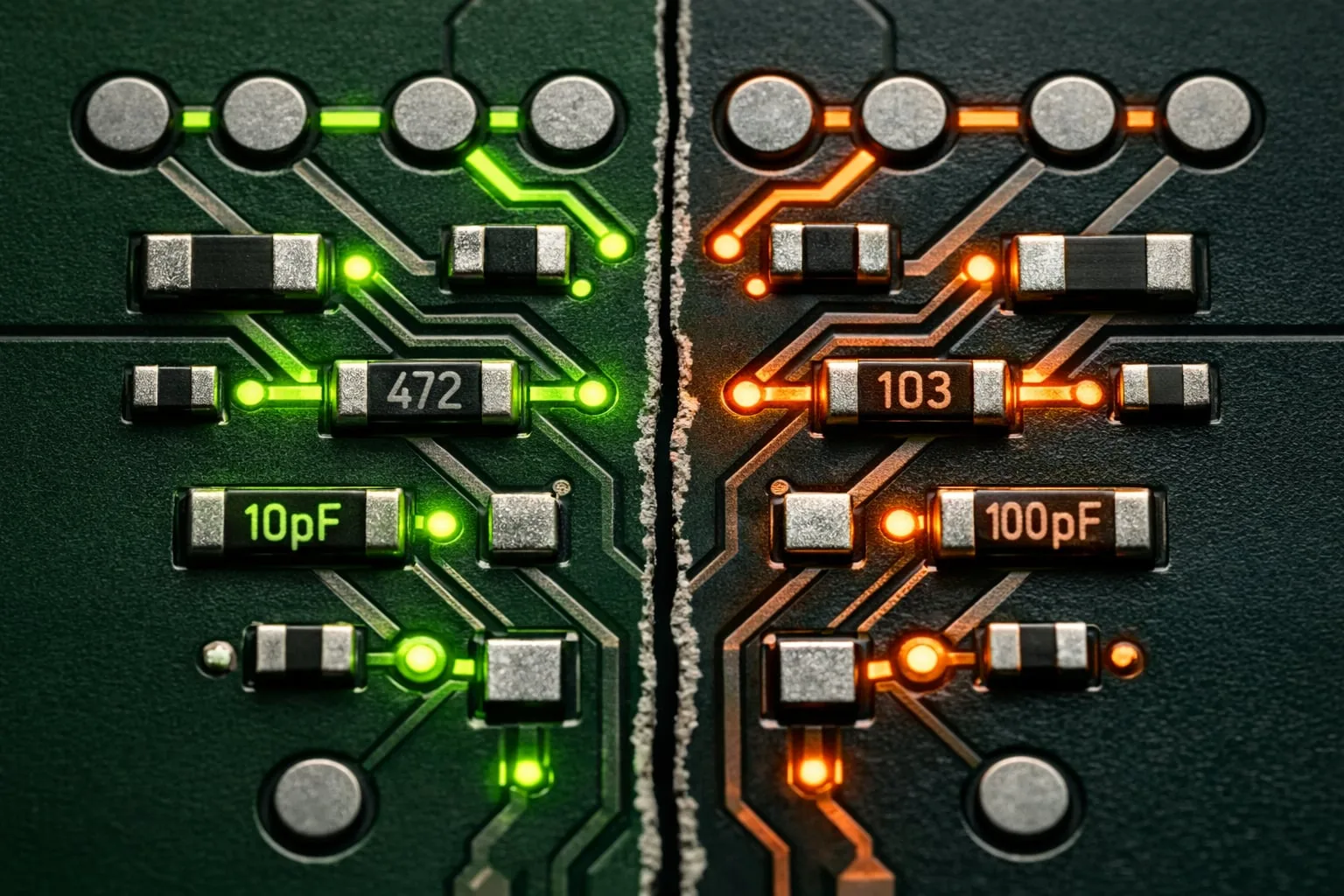
Spot PCB Changes Before They Become Review Bottlenecks
In PCB development, change tracking is not optional. It is a core part of design reviews, especially when layout engineers, developers, and manufacturing teams need to stay aligned across multiple revisions.
Manual comparison of PCB data sets is time-consuming and easy to get wrong. PCB-Investigator’s Database Compare function was built to solve exactly that problem by detecting differences efficiently and displaying them in a clear, structured way.
What the Database Compare function delivers
The plugin compares two PCB data sets and presents the results both as a compact overview and a detailed list. That makes it easy to focus on the changes that matter most in a given review context, whether you are checking component data, network data, or test-access information.
- Comparison of component and network data
- Detailed change lists with reference designator, position number, coordinates, values, and attributes
- Network names and percentage agreement for network comparisons
- Filtering by attributes, names, or other criteria
- Color-coded matches and deviations for instant visual guidance
Better traceability, better decisions
The result is a faster, more transparent review process. Engineers can immediately see which parts of the design are affected, prioritize the relevant changes, and communicate with fewer misunderstandings across teams.
When differences are presented clearly, design reviews become less about searching and more about deciding.
For complex PCB projects, that means better traceability, improved coordination, and higher confidence in every revision.
Learn more about Database Compare and see how it fits into your workflow.