Skip to content
  • Other Products
    • Panel Optimizer
    • GerberLogix
    • Online GerberViewer
    • Native Board Import (NBI)
    • PCB CAM Online
    • Easy Documentation
    • PCBI Web App & Xplorer Vision
  • Client Login
  • de_DE en_US
PCB-Investigator
  • Editions
    • Select your edition
      • Basic
      • Ultimate
      • Fabrication
    • [Blank]
      • Production Control
      • Developer
      • Physics
  • Features
    • Data Management
      • Database Comparison
      • Graphic Board Compare – Compare your Designs
      • Package Expert
      • PDF Synchronization
      • PCBI 365
    • Developer Tools
      • Capacity Calculator
      • Color Groups
      • Component Connection Analysis
      • Creepage Analysis
      • Database Comparison
      • Hazard Analysis
      • Impendance Calculator
      • Net Group
      • Net Length
      • Power Pin Wizard
      • Stencil Analysis
      • PDF Synchronization
      • PCBI Scripting
      • Physics (Thermal Analysis / Current Simulation)
    • Fabrication Tools
      • Graphic Board Compare – Compare your Designs
      • AOI
      • AOI Analyse
      • Bare Board Analysis DRC
      • BOM EXPERT
      • Component Analysis
      • Component Report
      • Design Report
      • DFT Preparation
      • DFM (Design for Manufacturing)
      • Edit Components
      • Net List
      • Panel Builder
      • PLACEMENT PROGRAM GENERATION (SIPLACE)
      • Testpoint Report
      • Tombstone Analysis
      • Stencil Generation
    • Import/Export
      • 3D Export (Step/Obj/3D-PDF/WebGL)
      • Components(CSV) Import
      • DXF Import/Export
      • EAGLE Import
      • GenCAD Import/Export
      • Gerber 274x Import/Export
      • IDF Import/Export
      • IPC-2581 A/B/C Import/Export
      • Machine Formats and Interfaces
      • ODB++ Import/Export
      • Fabmaster – Import of Cadence and FABmaster files
      • IDX Export
      • Mentor Pads Import
      • DPF Import
      • Zuken Import
    • Reporting
      • Database Comparison
      • Graphic Board Compare – Compare your Designs
      • Component Report
      • Design Report
      • Extended Design Report
      • Test Coverage Report
      • Part Expert
      • Virtual BOM Export
      • Work Instructions – Generate Production Documentation
    • Simulation
      • AOI Analyse
      • Hazard Analysis
      • Physics (Thermal Analysis / Current Simulation)
  • Support
    • Help Center
      • Client Login
      • License systems
      • Documentation
      • How-To Instructions
      • Videos
      • SDK & Participate
      • FAQs
    • Contact
      • Contact form
      • Training
      • Data Transfer
  • What is new?
    • News
    • Blog
  • Get a quote
  • Free trial
Menu Close
  • Editions
    • Select your edition
      • Basic
      • Ultimate
      • Fabrication
    • [Blank]
      • Production Control
      • Developer
      • Physics
  • Features
    • Data Management
      • Database Comparison
      • Graphic Board Compare – Compare your Designs
      • Package Expert
      • PDF Synchronization
      • PCBI 365
    • Developer Tools
      • Capacity Calculator
      • Color Groups
      • Component Connection Analysis
      • Creepage Analysis
      • Database Comparison
      • Hazard Analysis
      • Impendance Calculator
      • Net Group
      • Net Length
      • Power Pin Wizard
      • Stencil Analysis
      • PDF Synchronization
      • PCBI Scripting
      • Physics (Thermal Analysis / Current Simulation)
    • Fabrication Tools
      • Graphic Board Compare – Compare your Designs
      • AOI
      • AOI Analyse
      • Bare Board Analysis DRC
      • BOM EXPERT
      • Component Analysis
      • Component Report
      • Design Report
      • DFT Preparation
      • DFM (Design for Manufacturing)
      • Edit Components
      • Net List
      • Panel Builder
      • PLACEMENT PROGRAM GENERATION (SIPLACE)
      • Testpoint Report
      • Tombstone Analysis
      • Stencil Generation
    • Import/Export
      • 3D Export (Step/Obj/3D-PDF/WebGL)
      • Components(CSV) Import
      • DXF Import/Export
      • EAGLE Import
      • GenCAD Import/Export
      • Gerber 274x Import/Export
      • IDF Import/Export
      • IPC-2581 A/B/C Import/Export
      • Machine Formats and Interfaces
      • ODB++ Import/Export
      • Fabmaster – Import of Cadence and FABmaster files
      • IDX Export
      • Mentor Pads Import
      • DPF Import
      • Zuken Import
    • Reporting
      • Database Comparison
      • Graphic Board Compare – Compare your Designs
      • Component Report
      • Design Report
      • Extended Design Report
      • Test Coverage Report
      • Part Expert
      • Virtual BOM Export
      • Work Instructions – Generate Production Documentation
    • Simulation
      • AOI Analyse
      • Hazard Analysis
      • Physics (Thermal Analysis / Current Simulation)
  • Support
    • Help Center
      • Client Login
      • License systems
      • Documentation
      • How-To Instructions
      • Videos
      • SDK & Participate
      • FAQs
    • Contact
      • Contact form
      • Training
      • Data Transfer
  • What is new?
    • News
    • Blog
  • Get a quote
  • Free trial
  • Other Products
    • Panel Optimizer
    • GerberLogix
    • Online GerberViewer
    • Native Board Import (NBI)
    • PCB CAM Online
    • Easy Documentation
    • PCBI Web App & Xplorer Vision
  • Client Login
  • de_DE en_US
  1. Home>
  2. Component Analysis

Component Analysis

Read more about the article How Much Knowledge Is Hidden in Your PCB Data?

How Much Knowledge Is Hidden in Your PCB Data?

  • Post author:Easylogix
  • Post published:23. June 2026
  • Post category:Blog

More Than GeometryIn many projects, PCB data is treated primarily as the foundation for layout work. But a closer look reveals that these files contain far more than traces and…

Continue ReadingHow Much Knowledge Is Hidden in Your PCB Data?
Read more about the article Virtual BOM Export for Visual PCB Collaboration

Virtual BOM Export for Visual PCB Collaboration

  • Post author:Easylogix
  • Post published:22. June 2026
  • Post category:Blog

When a BOM needs to do more than list partsIn many projects, the BOM is still treated as a static document. The data may be correct, but the crucial context…

Continue ReadingVirtual BOM Export for Visual PCB Collaboration
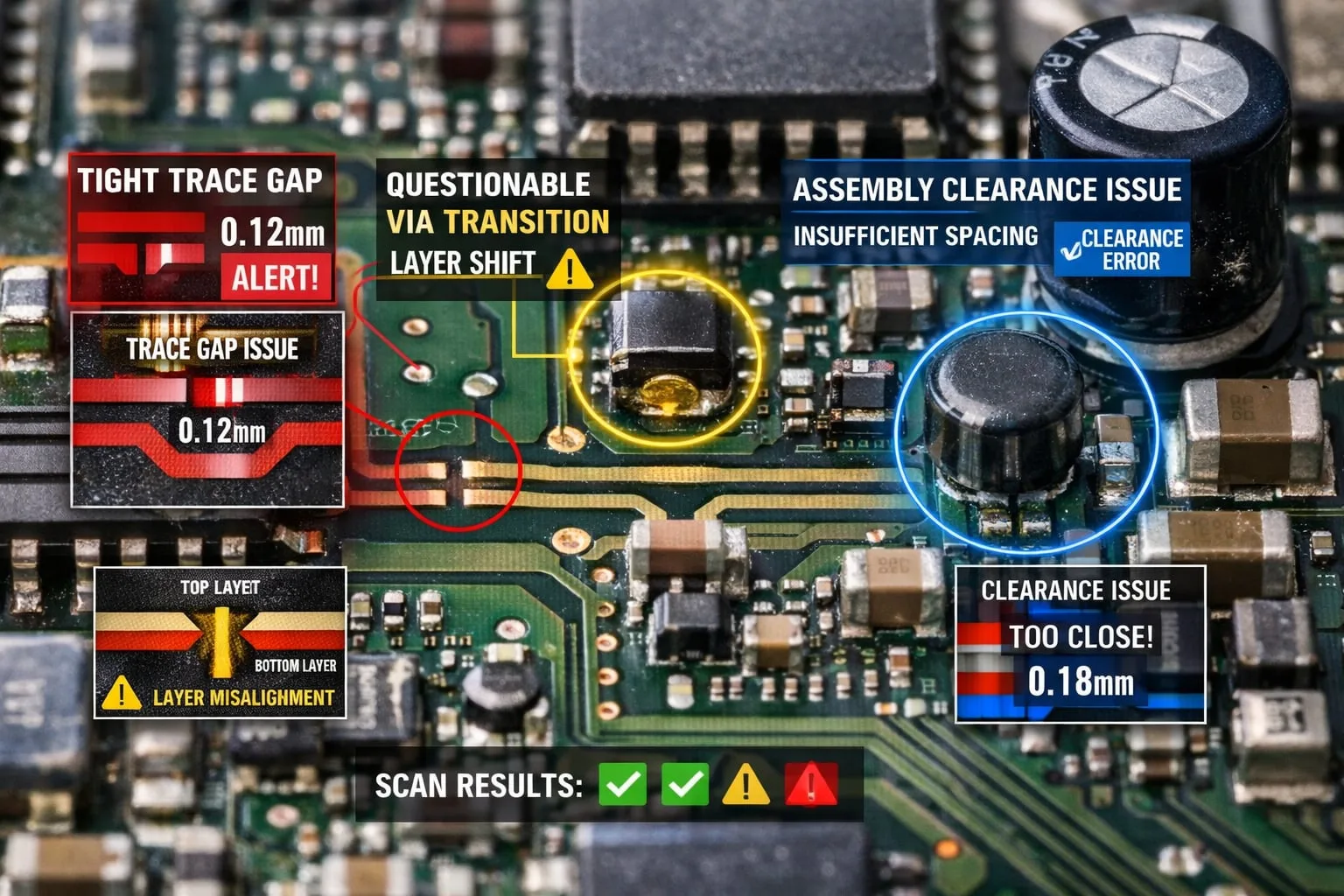
Read more about the article Component Analysis for Smarter PCB Manufacturing

Component Analysis for Smarter PCB Manufacturing

  • Post author:Easylogix
  • Post published:19. June 2026
  • Post category:Blog

Catch assembly risks before they reach productionIn PCB manufacturing, the expensive problems are often introduced long before the board reaches the line. Critical component spacing, height-related constraints, and challenging placements…

Continue ReadingComponent Analysis for Smarter PCB Manufacturing
Read more about the article Package Expert: Realistic Component Bodies for PCB Analysis

Package Expert: Realistic Component Bodies for PCB Analysis

  • Post author:Easylogix
  • Post published:19. June 2026
  • Post category:Blog

Why geometry quality defines the value of PCB analysisMany PCB analyses depend entirely on the quality of the underlying geometric data. In practice, CAD packages are often oversized, inconsistently modeled,…

Continue ReadingPackage Expert: Realistic Component Bodies for PCB Analysis
Read more about the article PCB-Investigator Developer for PCB Design Review

PCB-Investigator Developer for PCB Design Review

  • Post author:Easylogix
  • Post published:18. June 2026
  • Post category:Blog

From design review to production readinessModern PCB development is no longer just about visual inspection. If you want to deliver robust, production-ready boards, you need tools that reveal critical details,…

Continue ReadingPCB-Investigator Developer for PCB Design Review
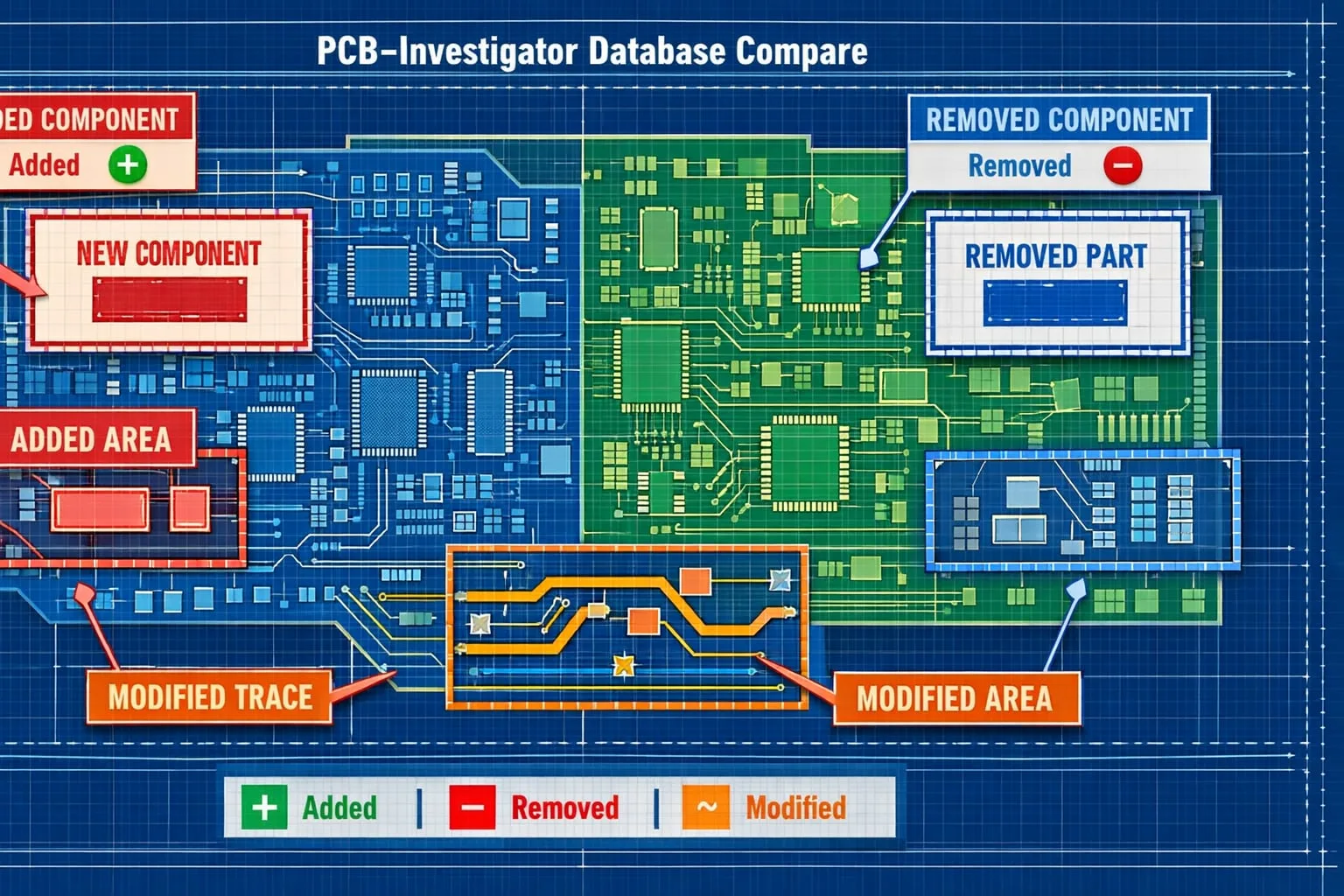
Read more about the article PCB Database Compare for Faster Design Reviews

PCB Database Compare for Faster Design Reviews

  • Post author:Easylogix
  • Post published:10. June 2026
  • Post category:Blog

Spot PCB Changes Before They Become Review BottlenecksIn PCB development, change tracking is not optional. It is a core part of design reviews, especially when layout engineers, developers, and manufacturing…

Continue ReadingPCB Database Compare for Faster Design Reviews
Read more about the article Color-Coded PCB Groups for Faster Analysis

Color-Coded PCB Groups for Faster Analysis

  • Post author:Easylogix
  • Post published:9. June 2026
  • Post category:Blog

Turn dense PCB data into a clearer visual workflowWhen PCB designs get complex, visual clarity becomes a real productivity factor. The Color Group plug-in for PCB-Investigator helps engineers transform crowded…

Continue ReadingColor-Coded PCB Groups for Faster Analysis
Read more about the article Component Connection Analysis for Smarter PCB Checks

Component Connection Analysis for Smarter PCB Checks

  • Post author:Easylogix
  • Post published:8. June 2026
  • Post category:Blog

See the actual connectivity behind a componentIn PCB analysis, a clean DRC is important—but it does not always answer the real engineering question: how is this component connected in context?…

Continue ReadingComponent Connection Analysis for Smarter PCB Checks
Read more about the article Edit PCB Components Faster with PCB-Investigator

Edit PCB Components Faster with PCB-Investigator

  • Post author:Easylogix
  • Post published:5. June 2026
  • Post category:Blog

Why component editing matters in PCB designPCB workflows often slow down where iteration should be fastest: component placement, package reuse, and the handoff between analysis and design. The Edit Components…

Continue ReadingEdit PCB Components Faster with PCB-Investigator
Read more about the article PCB-Investigator for Faster PCB Analysis Workflows

PCB-Investigator for Faster PCB Analysis Workflows

  • Post author:Easylogix
  • Post published:26. May 2026
  • Post category:Blog

PCB analysis without the detoursPCB-Investigator helps engineers, PCB designers, and electronics development teams analyze boards faster and with more technical clarity. Instead of stitching together insights from multiple tools, you…

Continue ReadingPCB-Investigator for Faster PCB Analysis Workflows
  • 1
  • 2
  • Go to the next page

What is new?

  • Improve PCB Analysis with Net Groups
  • Tombstone DFM Analysis for Safer SMT Designs
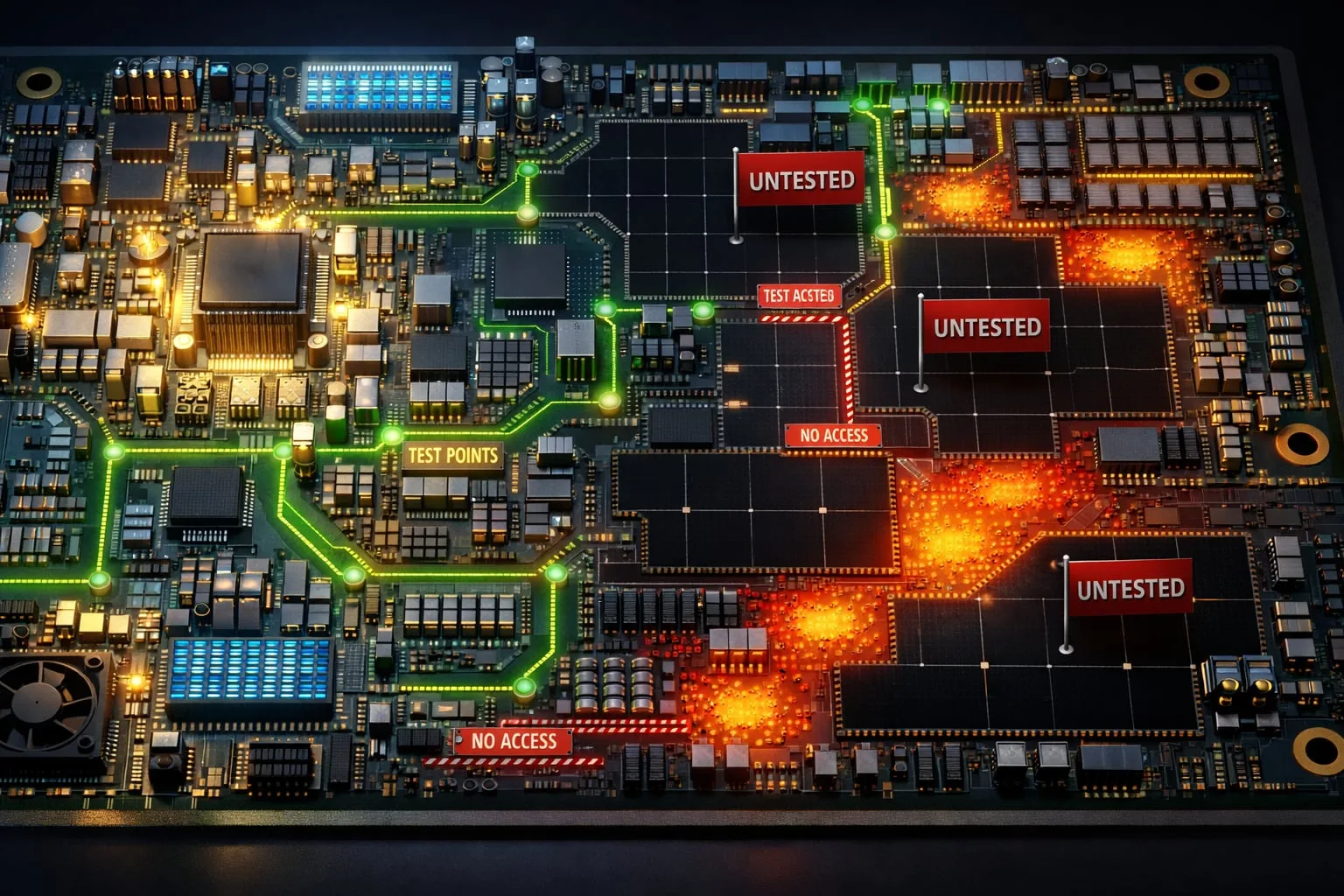
  • PCB Tools That Surface Risk Before It Escalates
  • Machine Formats for Smarter PCB Manufacturing
  • The Most Expensive PCB Errors Start in Layout

Our Editions

All functions of PCB-Investigator at a glance:

Edition Overview

About us
Contact
Distribution Partner
Imprint
Privacy
Job vacancies

Social Media
Facebook
Twitter
LinkedIn
Xing
Youtube

Services
Client Login
Case Studies
Links
Newsletter
About us

More Products
Gerber Viewer
PCB CAM Online
Native Board Import (NBI)

© Schindler & Schill GmbH 2026. All rights reserved.
Manage Consent
To provide the best experiences, we use technologies like cookies to store and/or access device information. Consenting to these technologies will allow us to process data such as browsing behavior or unique IDs on this site. Not consenting or withdrawing consent, may adversely affect certain features and functions.
Functional Always active
The technical storage or access is strictly necessary for the legitimate purpose of enabling the use of a specific service explicitly requested by the subscriber or user, or for the sole purpose of carrying out the transmission of a communication over an electronic communications network.
Preferences
The technical storage or access is necessary for the legitimate purpose of storing preferences that are not requested by the subscriber or user.
Statistics
The technical storage or access that is used exclusively for statistical purposes. The technical storage or access that is used exclusively for anonymous statistical purposes. Without a subpoena, voluntary compliance on the part of your Internet Service Provider, or additional records from a third party, information stored or retrieved for this purpose alone cannot usually be used to identify you.
Marketing
The technical storage or access is required to create user profiles to send advertising, or to track the user on a website or across several websites for similar marketing purposes.
  • Manage options
  • Manage services
  • Manage {vendor_count} vendors
  • Read more about these purposes
View preferences
  • {title}
  • {title}
  • {title}