
What if your BOM could do more than list parts?
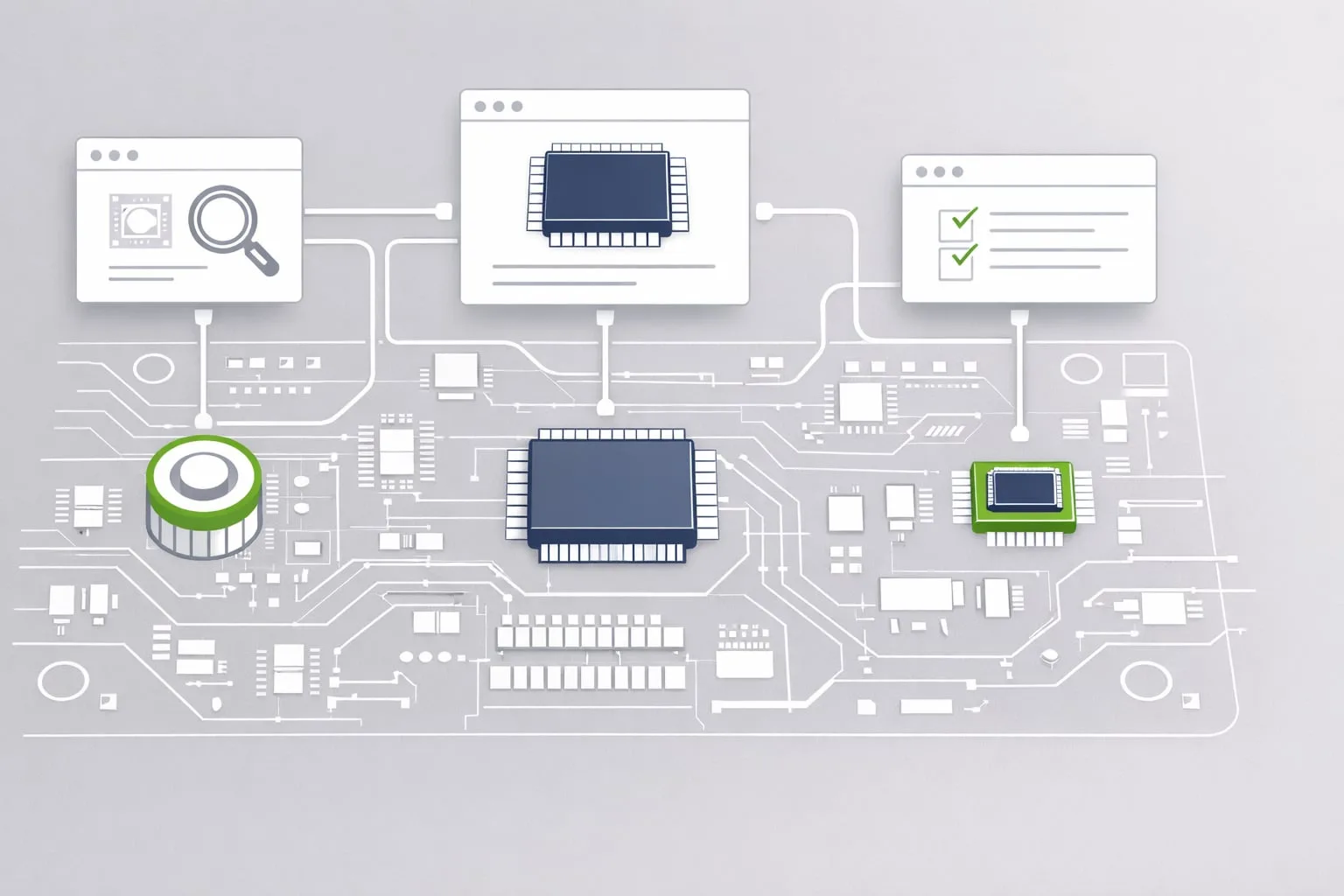
In many engineering workflows, the BOM is still treated as a static document: reference designators, quantities, values, done. For complex PCB projects, that is often not enough. The Virtual BOM Export in PCB-Investigator transforms the bill of materials into an interactive HTML deliverable with a zoomable PCB preview.
Instead of separating part data from layout context, this export combines both in one browser-based file. Components can be highlighted directly on the board, examined in context, and filtered without requiring any additional software.
Better visibility across teams
This is where the real value appears: engineering, purchasing, manufacturing, quality, and even non-CAD stakeholders can all work from the same information. That shared visibility reduces back-and-forth communication, speeds up reviews, and helps prevent mistakes before they reach production.
A BOM becomes far more useful when it shows not just what a part is, but where it is.
For teams handling dense or highly variant designs, direct navigation from the parts list to the PCB location can make verification and communication significantly faster.
Flexible output for technical workflows
PCB-Investigator gives you the freedom to adapt the export to your process and your company standards:
- Interactive HTML export with a fully zoomable layout view
- Direct navigation from BOM row to component location on the board
- Custom columns and data fields defined in the Component Manager
- Corporate design support with logo, colors, and structure customization
- Usable as a virtual component list for visualization or quality control
The result is a clean, shareable format that works well internally and externally, including for stakeholders without CAD access.
If you want your BOM to become a practical collaboration tool rather than just a table, the Virtual BOM Export is worth a closer look. Try PCB-Investigator and see how interactive documentation can streamline your workflow.