Skip to content
  • Other Products
    • Panel Optimizer
    • GerberLogix
    • Online GerberViewer
    • Native Board Import (NBI)
    • PCB CAM Online
    • Easy Documentation
    • PCBI Web App & Xplorer Vision
  • Client Login
  • de_DE en_US
PCB-Investigator
  • Editions
    • Select your edition
      • Basic
      • Ultimate
      • Fabrication
    • [Blank]
      • Production Control
      • Developer
      • Physics
  • Features
    • Data Management
      • Database Comparison
      • Graphic Board Compare – Compare your Designs
      • Package Expert
      • PDF Synchronization
      • PCBI 365
    • Developer Tools
      • Capacity Calculator
      • Color Groups
      • Component Connection Analysis
      • Creepage Analysis
      • Database Comparison
      • Hazard Analysis
      • Impendance Calculator
      • Net Group
      • Net Length
      • Power Pin Wizard
      • Stencil Analysis
      • PDF Synchronization
      • PCBI Scripting
      • Physics (Thermal Analysis / Current Simulation)
    • Fabrication Tools
      • Graphic Board Compare – Compare your Designs
      • AOI
      • AOI Analyse
      • Bare Board Analysis DRC
      • BOM EXPERT
      • Component Analysis
      • Component Report
      • Design Report
      • DFT Preparation
      • DFM (Design for Manufacturing)
      • Edit Components
      • Net List
      • Panel Builder
      • PLACEMENT PROGRAM GENERATION (SIPLACE)
      • Testpoint Report
      • Tombstone Analysis
      • Stencil Generation
    • Import/Export
      • 3D Export (Step/Obj/3D-PDF/3D-HTML-Export)
      • Components(CSV) Import
      • DXF Import/Export
      • EAGLE Import
      • GenCAD Import/Export
      • Gerber 274x Import/Export
      • IDF Import/Export
      • IPC-2581 A/B/C Import/Export
      • Machine Formats and Interfaces
      • ODB++ Import/Export
      • Fabmaster – Import of Cadence and FABmaster files
      • IDX Export
      • Mentor Pads Import
      • DPF Import
      • Zuken Import
    • Reporting
      • Database Comparison
      • Graphic Board Compare – Compare your Designs
      • Component Report
      • Design Report
      • Extended Design Report
      • Test Coverage Report
      • Part Expert
      • Virtual BOM Export
      • Work Instructions – Generate Production Documentation
    • Simulation
      • AOI Analyse
      • Hazard Analysis
      • Physics (Thermal Analysis / Current Simulation)
  • Support
    • Help Center
      • Client Login
      • License systems
      • Documentation
      • How-To Instructions
      • Videos
      • SDK & Participate
      • FAQs
    • Contact
      • Contact form
      • Training
      • Data Transfer
  • What is new?
    • News
    • Blog
  • Get a quote
  • Free trial
Menu Close
  • Editions
    • Select your edition
      • Basic
      • Ultimate
      • Fabrication
    • [Blank]
      • Production Control
      • Developer
      • Physics
  • Features
    • Data Management
      • Database Comparison
      • Graphic Board Compare – Compare your Designs
      • Package Expert
      • PDF Synchronization
      • PCBI 365
    • Developer Tools
      • Capacity Calculator
      • Color Groups
      • Component Connection Analysis
      • Creepage Analysis
      • Database Comparison
      • Hazard Analysis
      • Impendance Calculator
      • Net Group
      • Net Length
      • Power Pin Wizard
      • Stencil Analysis
      • PDF Synchronization
      • PCBI Scripting
      • Physics (Thermal Analysis / Current Simulation)
    • Fabrication Tools
      • Graphic Board Compare – Compare your Designs
      • AOI
      • AOI Analyse
      • Bare Board Analysis DRC
      • BOM EXPERT
      • Component Analysis
      • Component Report
      • Design Report
      • DFT Preparation
      • DFM (Design for Manufacturing)
      • Edit Components
      • Net List
      • Panel Builder
      • PLACEMENT PROGRAM GENERATION (SIPLACE)
      • Testpoint Report
      • Tombstone Analysis
      • Stencil Generation
    • Import/Export
      • 3D Export (Step/Obj/3D-PDF/3D-HTML-Export)
      • Components(CSV) Import
      • DXF Import/Export
      • EAGLE Import
      • GenCAD Import/Export
      • Gerber 274x Import/Export
      • IDF Import/Export
      • IPC-2581 A/B/C Import/Export
      • Machine Formats and Interfaces
      • ODB++ Import/Export
      • Fabmaster – Import of Cadence and FABmaster files
      • IDX Export
      • Mentor Pads Import
      • DPF Import
      • Zuken Import
    • Reporting
      • Database Comparison
      • Graphic Board Compare – Compare your Designs
      • Component Report
      • Design Report
      • Extended Design Report
      • Test Coverage Report
      • Part Expert
      • Virtual BOM Export
      • Work Instructions – Generate Production Documentation
    • Simulation
      • AOI Analyse
      • Hazard Analysis
      • Physics (Thermal Analysis / Current Simulation)
  • Support
    • Help Center
      • Client Login
      • License systems
      • Documentation
      • How-To Instructions
      • Videos
      • SDK & Participate
      • FAQs
    • Contact
      • Contact form
      • Training
      • Data Transfer
  • What is new?
    • News
    • Blog
  • Get a quote
  • Free trial
  • Other Products
    • Panel Optimizer
    • GerberLogix
    • Online GerberViewer
    • Native Board Import (NBI)
    • PCB CAM Online
    • Easy Documentation
    • PCBI Web App & Xplorer Vision
  • Client Login
  • de_DE en_US
Search this website
  1. Home>
  2. Color Groups

Color Groups

Read more about the article Color-Code PCB Components for Faster Visual Analysis

Color-Code PCB Components for Faster Visual Analysis

  • Post author:Easylogix
  • Post published:23. November 2026
  • Post category:Blog

Make complex PCB data easier to readWhen PCB projects grow in size and complexity, visual inspection becomes harder to manage. In ODB++ workflows especially, engineers need a way to separate…

Continue ReadingColor-Code PCB Components for Faster Visual Analysis
Read more about the article Color Groups in PCB-Investigator for Faster PCB Analysis

Color Groups in PCB-Investigator for Faster PCB Analysis

  • Post author:Easylogix
  • Post published:28. October 2026
  • Post category:Blog

Turn dense PCB data into something you can read instantlyWhen layouts get crowded, visual analysis slows down. Important structures disappear into the noise, and engineers spend too much time searching…

Continue ReadingColor Groups in PCB-Investigator for Faster PCB Analysis
Read more about the article Color Groups for Faster PCB Data Analysis

Color Groups for Faster PCB Data Analysis

  • Post author:Easylogix
  • Post published:16. October 2026
  • Post category:Blog

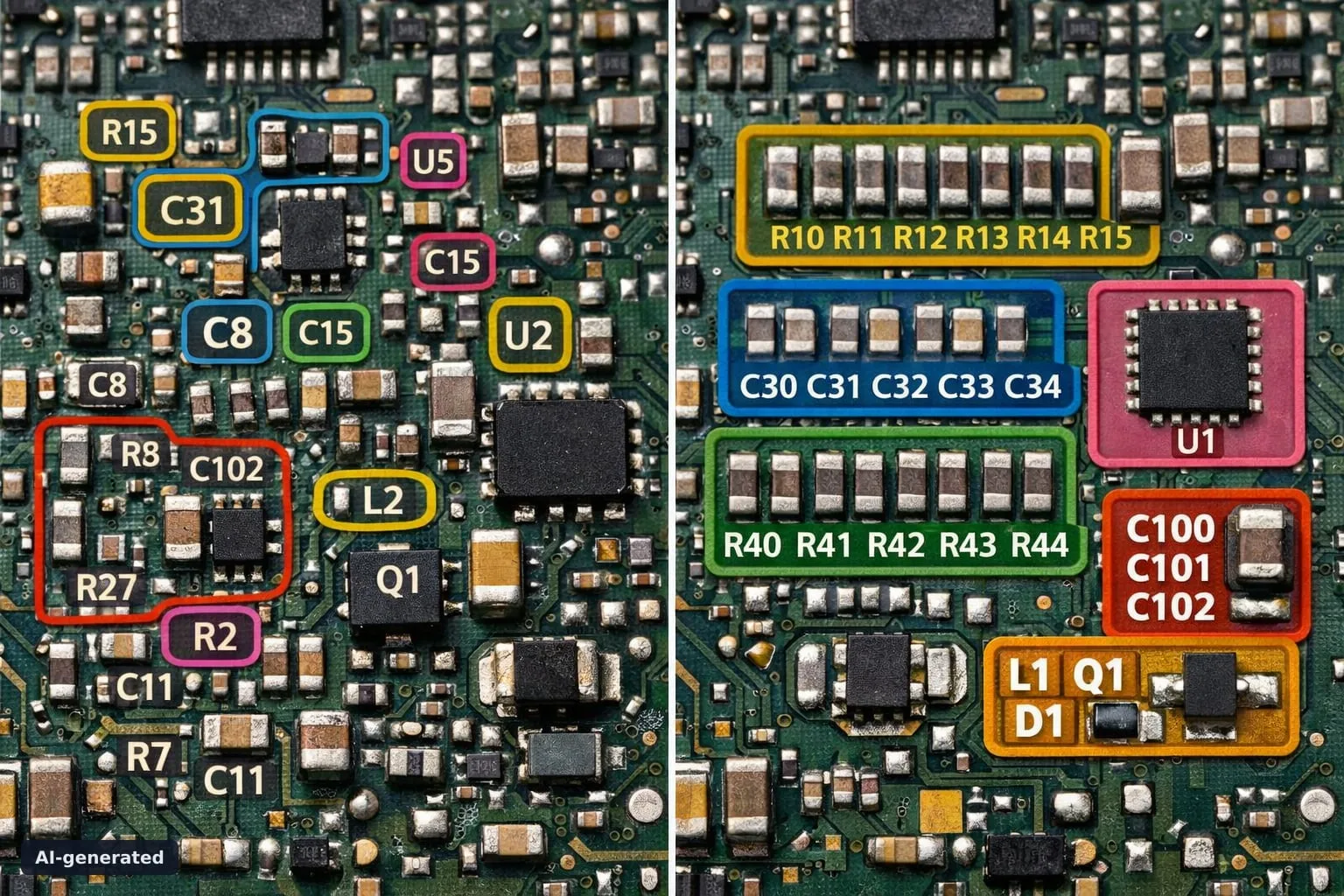
Make complex PCB data instantly easier to readAs PCB designs get denser, visual orientation becomes a real engineering advantage. Large BOMs, crowded assemblies and multiple exchange formats can make it…
Continue ReadingColor Groups for Faster PCB Data Analysis
Read more about the article Color Groups for Faster PCB Data Interpretation

Color Groups for Faster PCB Data Interpretation

  • Post author:Easylogix
  • Post published:3. September 2026
  • Post category:Blog

When PCB data gets dense, visual clarity mattersLarge component sets and tightly packed layouts can slow down even experienced engineers. The Color Group plug-in in PCB-Investigator helps turn complex PCB…

Continue ReadingColor Groups for Faster PCB Data Interpretation
Read more about the article Color-Coded PCB Groups for Faster Analysis

Color-Coded PCB Groups for Faster Analysis

  • Post author:Easylogix
  • Post published:9. June 2026
  • Post category:Blog

Turn dense PCB data into a clearer visual workflowWhen PCB designs get complex, visual clarity becomes a real productivity factor. The Color Group plug-in for PCB-Investigator helps engineers transform crowded…

Continue ReadingColor-Coded PCB Groups for Faster Analysis
Read more about the article PCB-Investigator Color Groups for Faster PCB Review

PCB-Investigator Color Groups for Faster PCB Review

  • Post author:Easylogix
  • Post published:14. April 2026
  • Post category:Blog

Make complex PCB data readable at a glanceOn dense boards, the ability to understand structure quickly is often the difference between efficient analysis and time-consuming inspection. That is exactly where…

Continue ReadingPCB-Investigator Color Groups for Faster PCB Review
Read more about the article Color Groups in PCB‑Investigator: Clear Visual Logic for PCB Analysis

Color Groups in PCB‑Investigator: Clear Visual Logic for PCB Analysis

  • Post author:Easylogix
  • Post published:30. March 2026
  • Post category:Blog

Imagine instantly seeing the functional logic of your PCB—no filters, no hunting, no guesswork. That’s exactly what Color Groups in PCB‑Investigator deliver. The feature automatically groups components by type, first…

Continue ReadingColor Groups in PCB‑Investigator: Clear Visual Logic for PCB Analysis

What is new?

  • Stencil Analysis for Better PCB Manufacturing Quality
  • Capacity Calculator for High-Speed PCB Signal Integrity
  • Automated PCB Design Report for Faster Collaboration
  • PCB in 3D: From Board Layout to an Enclosure Design Review
  • Measure PCB Net Lengths Faster and More Accurately

Our Editions

All functions of PCB-Investigator at a glance:

Edition Overview

About us
Contact
Distribution Partner
Imprint
Privacy
Job vacancies

Social Media
Facebook
Twitter
LinkedIn
Xing
Youtube

Services
Client Login
Case Studies
Links
Newsletter
About us

More Products
Gerber Viewer
PCB CAM Online
Native Board Import (NBI)

© Schindler & Schill GmbH 2026. All rights reserved.
Manage Consent
To provide the best experiences, we use technologies like cookies to store and/or access device information. Consenting to these technologies will allow us to process data such as browsing behavior or unique IDs on this site. Not consenting or withdrawing consent, may adversely affect certain features and functions.
Functional Always active
The technical storage or access is strictly necessary for the legitimate purpose of enabling the use of a specific service explicitly requested by the subscriber or user, or for the sole purpose of carrying out the transmission of a communication over an electronic communications network.
Preferences
The technical storage or access is necessary for the legitimate purpose of storing preferences that are not requested by the subscriber or user.
Statistics
The technical storage or access that is used exclusively for statistical purposes. The technical storage or access that is used exclusively for anonymous statistical purposes. Without a subpoena, voluntary compliance on the part of your Internet Service Provider, or additional records from a third party, information stored or retrieved for this purpose alone cannot usually be used to identify you.
Marketing
The technical storage or access is required to create user profiles to send advertising, or to track the user on a website or across several websites for similar marketing purposes.
  • Manage options
  • Manage services
  • Manage {vendor_count} vendors
  • Read more about these purposes
View preferences
  • {title}
  • {title}
  • {title}