
Turn a static BOM into an interactive HTML report
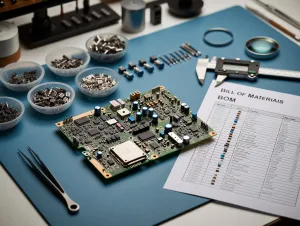
In many PCB workflows, the bill of materials exists as a spreadsheet, but the design context is missing. A traditional BOM tells you what is on the board, but not where it is placed or how it relates to the layout. That is exactly the gap PCB-Investigator’s Virtual BOM Export is designed to close.
The feature generates a browser-based HTML report that combines your BOM or component list with an integrated PCB visualization. The result is a shared, interactive view that is easy to use for engineering, procurement, manufacturing, and external stakeholders alike.
How it works
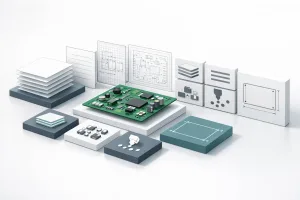
The export links a structured parts list with an embedded SVG viewer of the PCB. Users can click a component entry and immediately locate it on the board, zoom into relevant areas, switch views, and inspect the design in context. Instead of moving between tools and documents, the data stays connected.
- Interactive HTML output with no additional software required
- Linked component list and board view for fast orientation
- Configurable columns via the Component Manager
- Search and filtering by reference designator or attributes
- Top/bottom view, layer control, and dark mode
- Company branding with logo, colors, and styling
Why this matters for engineering teams
When different teams work from different views of the same design, delays and mistakes are almost guaranteed. A virtual BOM helps create one common reference point, which is especially valuable during design reviews, procurement checks, and production handoff.
An interactive BOM is more than a convenience feature — it is a practical way to align teams around the same design data.
The export is also flexible enough to fit different use cases, whether you need a grouped BOM, a detailed component list, or a customized HTML overview for a specific audience.
Bottom line
PCB-Investigator’s Virtual BOM Export makes material data easier to read, easier to share, and easier to act on. If you want BOM information in a format that adds visual context and reduces manual coordination, this feature is worth a closer look.
Try it in PCB-Investigator and see how an interactive HTML report can improve your BOM workflow.