
Automated Creepage Analysis for Safer PCB Design
Why creepage analysis matters in modern PCB designAs soon as your design goes above 30 V, creepage is no longer a side topic. Minimum distances between conductive parts become a…



Why creepage analysis matters in modern PCB designAs soon as your design goes above 30 V, creepage is no longer a side topic. Minimum distances between conductive parts become a…
Catch issues before they become respinsIn PCB development, the real cost is often not the first design pass, but the issues that escape review and show up later in prototyping…

PCB development needs more than layout toolsIn modern electronics projects, a solid PCB layout is only the starting point. Teams that want to deliver reliable products need to verify design…
Why creepage matters in high-voltage PCB designOnce a design exceeds 30 V, safety requirements become much stricter. Standards such as DIN EN 60664 / VDE 0110, IPC-2221A, and UL60950-1 define…
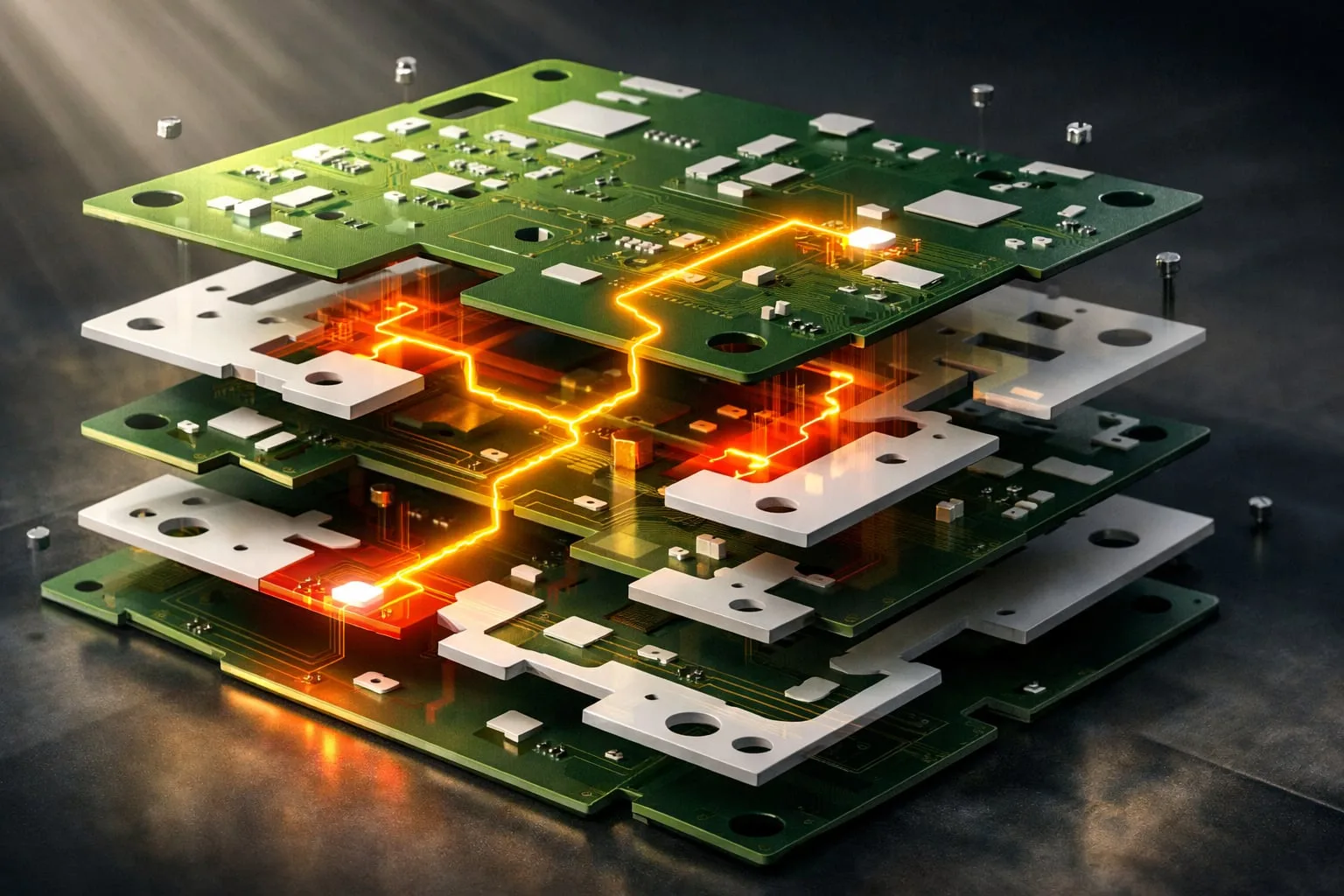
Creepage Analysis: prevent safety issues before they reach productionOnce a PCB design moves above 30 V, creepage is no longer a theoretical compliance item. It becomes a practical safety requirement…

Keep everything in view from development to productionWhen engineering, fabrication, and quality teams rely on separate tools, gaps appear quickly: duplicated checks, inconsistent data, and unnecessary risk during handover. PCB-Investigator…

Once a PCB design exceeds 30 V, strict safety standards apply. Minimum distances must be maintained between conductive elements to prevent leakage currents and dielectric breakdown. Standards such as DIN EN…