
Skip to content
  • Other Products
    • Panel Optimizer
    • GerberLogix
    • Online GerberViewer
    • Native Board Import (NBI)
    • PCB CAM Online
    • Easy Documentation
    • PCBI Web App & Xplorer Vision
  • Client Login
  • de_DE en_US
PCB-Investigator
  • Editions
    • Select your edition
      • Basic
      • Ultimate
      • Fabrication
    • [Blank]
      • Production Control
      • Developer
      • Physics
  • Features
    • Data Management
      • Database Comparison
      • Graphic Board Compare – Compare your Designs
      • Package Expert
      • PDF Synchronization
      • PCBI 365
    • Developer Tools
      • Capacity Calculator
      • Color Groups
      • Component Connection Analysis
      • Creepage Analysis
      • Database Comparison
      • Hazard Analysis
      • Impendance Calculator
      • Net Group
      • Net Length
      • Power Pin Wizard
      • Stencil Analysis
      • PDF Synchronization
      • PCBI Scripting
      • Physics (Thermal Analysis / Current Simulation)
    • Fabrication Tools
      • Graphic Board Compare – Compare your Designs
      • AOI
      • AOI Analyse
      • Bare Board Analysis DRC
      • BOM EXPERT
      • Component Analysis
      • Component Report
      • Design Report
      • DFT Preparation
      • DFM (Design for Manufacturing)
      • Edit Components
      • Net List
      • Panel Builder
      • PLACEMENT PROGRAM GENERATION (SIPLACE)
      • Testpoint Report
      • Tombstone Analysis
      • Stencil Generation
    • Import/Export
      • 3D Export (Step/Obj/3D-PDF/WebGL)
      • Components(CSV) Import
      • DXF Import/Export
      • EAGLE Import
      • GenCAD Import/Export
      • Gerber 274x Import/Export
      • IDF Import/Export
      • IPC-2581 A/B/C Import/Export
      • Machine Formats and Interfaces
      • ODB++ Import/Export
      • Fabmaster – Import of Cadence and FABmaster files
      • IDX Export
      • Mentor Pads Import
      • DPF Import
      • Zuken Import
    • Reporting
      • Database Comparison
      • Graphic Board Compare – Compare your Designs
      • Component Report
      • Design Report
      • Extended Design Report
      • Test Coverage Report
      • Part Expert
      • Virtual BOM Export
      • Work Instructions – Generate Production Documentation
    • Simulation
      • AOI Analyse
      • Hazard Analysis
      • Physics (Thermal Analysis / Current Simulation)
  • Support
    • Help Center
      • Client Login
      • License systems
      • Documentation
      • How-To Instructions
      • Videos
      • SDK & Participate
      • FAQs
    • Contact
      • Contact form
      • Training
      • Data Transfer
  • What is new?
    • News
    • Blog
  • Get a quote
  • Free trial
Menu Close
  • Editions
    • Select your edition
      • Basic
      • Ultimate
      • Fabrication
    • [Blank]
      • Production Control
      • Developer
      • Physics
  • Features
    • Data Management
      • Database Comparison
      • Graphic Board Compare – Compare your Designs
      • Package Expert
      • PDF Synchronization
      • PCBI 365
    • Developer Tools
      • Capacity Calculator
      • Color Groups
      • Component Connection Analysis
      • Creepage Analysis
      • Database Comparison
      • Hazard Analysis
      • Impendance Calculator
      • Net Group
      • Net Length
      • Power Pin Wizard
      • Stencil Analysis
      • PDF Synchronization
      • PCBI Scripting
      • Physics (Thermal Analysis / Current Simulation)
    • Fabrication Tools
      • Graphic Board Compare – Compare your Designs
      • AOI
      • AOI Analyse
      • Bare Board Analysis DRC
      • BOM EXPERT
      • Component Analysis
      • Component Report
      • Design Report
      • DFT Preparation
      • DFM (Design for Manufacturing)
      • Edit Components
      • Net List
      • Panel Builder
      • PLACEMENT PROGRAM GENERATION (SIPLACE)
      • Testpoint Report
      • Tombstone Analysis
      • Stencil Generation
    • Import/Export
      • 3D Export (Step/Obj/3D-PDF/WebGL)
      • Components(CSV) Import
      • DXF Import/Export
      • EAGLE Import
      • GenCAD Import/Export
      • Gerber 274x Import/Export
      • IDF Import/Export
      • IPC-2581 A/B/C Import/Export
      • Machine Formats and Interfaces
      • ODB++ Import/Export
      • Fabmaster – Import of Cadence and FABmaster files
      • IDX Export
      • Mentor Pads Import
      • DPF Import
      • Zuken Import
    • Reporting
      • Database Comparison
      • Graphic Board Compare – Compare your Designs
      • Component Report
      • Design Report
      • Extended Design Report
      • Test Coverage Report
      • Part Expert
      • Virtual BOM Export
      • Work Instructions – Generate Production Documentation
    • Simulation
      • AOI Analyse
      • Hazard Analysis
      • Physics (Thermal Analysis / Current Simulation)
  • Support
    • Help Center
      • Client Login
      • License systems
      • Documentation
      • How-To Instructions
      • Videos
      • SDK & Participate
      • FAQs
    • Contact
      • Contact form
      • Training
      • Data Transfer
  • What is new?
    • News
    • Blog
  • Get a quote
  • Free trial
  • Other Products
    • Panel Optimizer
    • GerberLogix
    • Online GerberViewer
    • Native Board Import (NBI)
    • PCB CAM Online
    • Easy Documentation
    • PCBI Web App & Xplorer Vision
  • Client Login
  • de_DE en_US
  1. Home>
  2. pcb design software>
  3. Page 2

pcb design software

Read more about the article ODB++ Import/Export for Reliable PCB Data

ODB++ Import/Export for Reliable PCB Data

  • Post author:Easylogix
  • Post published:11. June 2026
  • Post category:Blog

Why ODB++ matters in modern PCB workflowsWhen PCB data moves between different CAM systems, the biggest risk is often not the design itself, but the way the data is interpreted.…

Continue ReadingODB++ Import/Export for Reliable PCB Data
Read more about the article PCB Database Compare for Faster Design Reviews

PCB Database Compare for Faster Design Reviews

  • Post author:Easylogix
  • Post published:10. June 2026
  • Post category:Blog

Spot PCB Changes Before They Become Review BottlenecksIn PCB development, change tracking is not optional. It is a core part of design reviews, especially when layout engineers, developers, and manufacturing…

Continue ReadingPCB Database Compare for Faster Design Reviews
Read more about the article PDF Synchronization for Faster PCB Design Reviews

PDF Synchronization for Faster PCB Design Reviews

  • Post author:Easylogix
  • Post published:9. June 2026
  • Post category:Blog

When layout and documentation drift apart, reviews slow downIn PCB development, keeping layout, schematic, and PDF documentation aligned is critical. Once changes are spread across multiple files and reviews, engineers…

Continue ReadingPDF Synchronization for Faster PCB Design Reviews
Read more about the article Component Connection Analysis for Smarter PCB Checks

Component Connection Analysis for Smarter PCB Checks

  • Post author:Easylogix
  • Post published:8. June 2026
  • Post category:Blog

See the actual connectivity behind a componentIn PCB analysis, a clean DRC is important—but it does not always answer the real engineering question: how is this component connected in context?…

Continue ReadingComponent Connection Analysis for Smarter PCB Checks
Read more about the article IPC-2151 Impedance Calculator for PCB Design

IPC-2151 Impedance Calculator for PCB Design

  • Post author:Easylogix
  • Post published:5. June 2026
  • Post category:Blog

Don’t leave impedance to estimationAs data rates rise and edge speeds get faster, impedance control becomes a critical part of PCB development. In high-frequency routing, even small changes in trace…
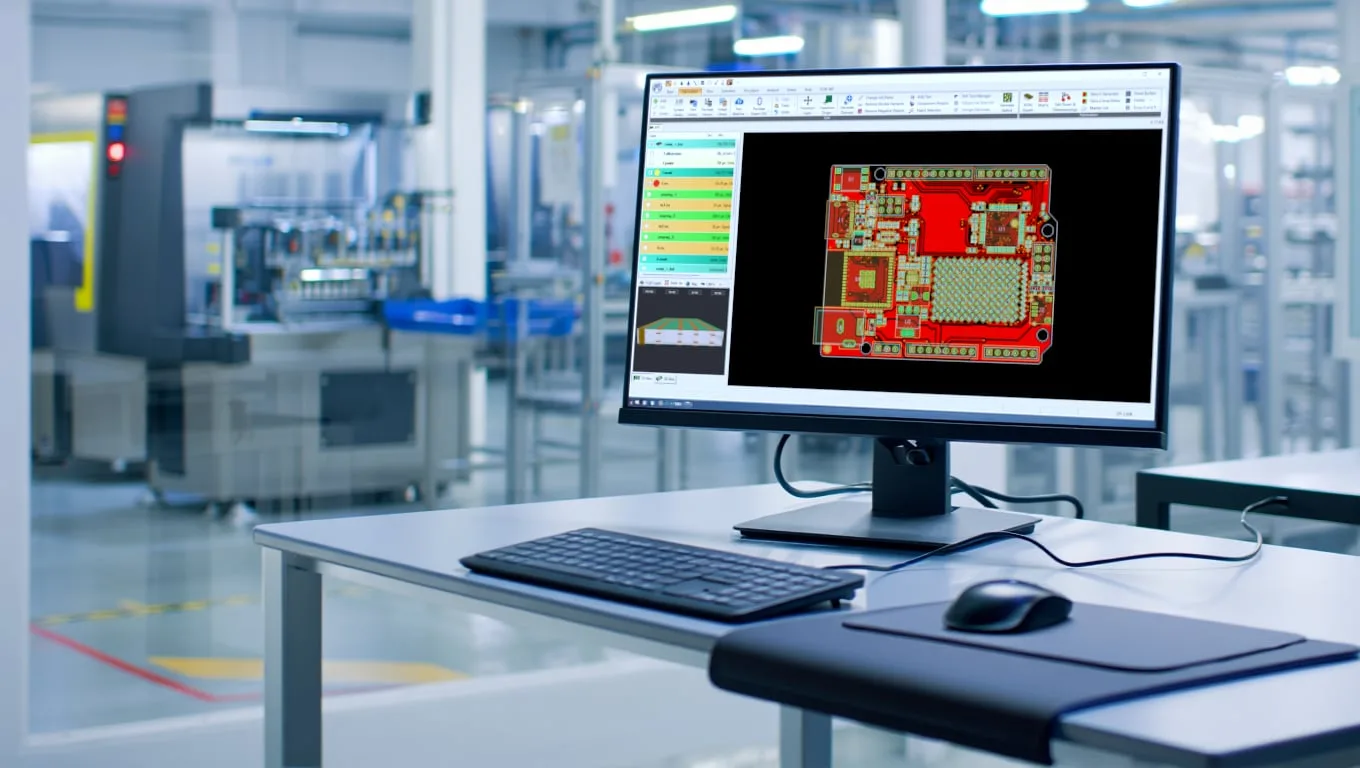
Continue ReadingIPC-2151 Impedance Calculator for PCB Design
Read more about the article PCB-Investigator: Faster PCB Data Analysis for Engineers

PCB-Investigator: Faster PCB Data Analysis for Engineers

  • Post author:Easylogix
  • Post published:29. May 2026
  • Post category:Blog

Understand PCB data fasterIn electronics development, speed is often determined not by the design itself, but by how quickly technical questions can be answered. That is where PCB-Investigator comes in:…

Continue ReadingPCB-Investigator: Faster PCB Data Analysis for Engineers
Read more about the article PCB-Investigator for Manufacturing Efficiency

PCB-Investigator for Manufacturing Efficiency

  • Post author:Easylogix
  • Post published:29. May 2026
  • Post category:Blog

Manufacturing efficiency starts with clean PCB dataIn PCB manufacturing, data quality directly affects throughput, quality, and cost. That is exactly where PCB-Investigator comes in: the software is designed for EMS…

Continue ReadingPCB-Investigator for Manufacturing Efficiency
Read more about the article Test PCB-Investigator Free for 30 Days

Test PCB-Investigator Free for 30 Days

  • Post author:Easylogix
  • Post published:26. May 2026
  • Post category:Blog

Evaluate PCB analysis in a real workflowWhen engineering teams assess PCB analysis and electronics development software, the key question is simple: does the tool support the way you actually work?…

Continue ReadingTest PCB-Investigator Free for 30 Days
Read more about the article PCB-Investigator for Machine Manufacturers

PCB-Investigator for Machine Manufacturers

  • Post author:Easylogix
  • Post published:8. May 2026
  • Post category:Blog

Turn PCB data into a usable part of your machine softwareFor machine manufacturers, PCB data handling is more than a file import task. The real challenge is integrating complex ECAD…

Continue ReadingPCB-Investigator for Machine Manufacturers
Read more about the article Test Coverage Report for Smarter PCB Quality

Test Coverage Report for Smarter PCB Quality

  • Post author:Easylogix
  • Post published:4. May 2026
  • Post category:Blog

See PCB test coverage in secondsHow much of your PCB is actually covered by test? The Test Coverage Report in PCB-Investigator answers that question fast, visually, and based on real…

Continue ReadingTest Coverage Report for Smarter PCB Quality
  • Go to the previous page
  • 1
  • 2
  • 3
  • Go to the next page

What is new?

  • PCB-Investigator 30-Day Trial for PCB Engineers
  • AOI Analysis for Earlier PCB Testability Checks
  • Component Report for Clear PCB Documentation
  • DFT Preparation for Faster PCB Test Programs
  • Stencil Analysis for Better PCB Manufacturing Quality

Our Editions

All functions of PCB-Investigator at a glance:

Edition Overview

About us
Contact
Distribution Partner
Imprint
Privacy
Job vacancies

Social Media
Facebook
Twitter
LinkedIn
Xing
Youtube

Services
Client Login
Case Studies
Links
Newsletter
About us

More Products
Gerber Viewer
PCB CAM Online
Native Board Import (NBI)

© Schindler & Schill GmbH 2026. All rights reserved.
Manage Consent
To provide the best experiences, we use technologies like cookies to store and/or access device information. Consenting to these technologies will allow us to process data such as browsing behavior or unique IDs on this site. Not consenting or withdrawing consent, may adversely affect certain features and functions.
Functional Always active
The technical storage or access is strictly necessary for the legitimate purpose of enabling the use of a specific service explicitly requested by the subscriber or user, or for the sole purpose of carrying out the transmission of a communication over an electronic communications network.
Preferences
The technical storage or access is necessary for the legitimate purpose of storing preferences that are not requested by the subscriber or user.
Statistics
The technical storage or access that is used exclusively for statistical purposes. The technical storage or access that is used exclusively for anonymous statistical purposes. Without a subpoena, voluntary compliance on the part of your Internet Service Provider, or additional records from a third party, information stored or retrieved for this purpose alone cannot usually be used to identify you.
Marketing
The technical storage or access is required to create user profiles to send advertising, or to track the user on a website or across several websites for similar marketing purposes.
  • Manage options
  • Manage services
  • Manage {vendor_count} vendors
  • Read more about these purposes
View preferences
  • {title}
  • {title}
  • {title}