Skip to content
  • Other Products
    • Panel Optimizer
    • GerberLogix
    • Online GerberViewer
    • Native Board Import (NBI)
    • PCB CAM Online
    • Easy Documentation
    • PCBI Web App & Xplorer Vision
  • Client Login
  • de_DE en_US
PCB-Investigator
  • Editions
    • Select your edition
      • Basic
      • Ultimate
      • Fabrication
    • [Blank]
      • Production Control
      • Developer
      • Physics
  • Features
    • Data Management
      • Database Comparison
      • Graphic Board Compare – Compare your Designs
      • Package Expert
      • PDF Synchronization
      • PCBI 365
    • Developer Tools
      • Capacity Calculator
      • Color Groups
      • Component Connection Analysis
      • Creepage Analysis
      • Database Comparison
      • Hazard Analysis
      • Impendance Calculator
      • Net Group
      • Net Length
      • Stencil Analysis
      • PDF Synchronization
      • PCBI Scripting
      • Physics (Thermal Analysis / Current Simulation)
    • Fabrication Tools
      • Graphic Board Compare – Compare your Designs
      • AOI
      • AOI Analyse
      • Bare Board Analysis DRC
      • BOM EXPERT
      • Component Analysis
      • Component Report
      • Design Report
      • DFT Preparation
      • DFM (Design for Manufacturing)
      • Edit Components
      • Net List
      • Panel Builder
      • PLACEMENT PROGRAM GENERATION (SIPLACE)
      • Testpoint Report
      • Tombstone Analysis
      • Stencil Generation
    • Import/Export
      • 3D Export (Step/Obj/3D-PDF/WebGL)
      • Components(CSV) Import
      • DXF Import/Export
      • EAGLE Import
      • GenCAD Import/Export
      • Gerber 274x Import/Export
      • IDF Import/Export
      • IPC-2581 A/B/C Import/Export
      • Machine Formats and Interfaces
      • ODB++ Import/Export
      • Fabmaster – Import of Cadence and FABmaster files
      • IDX Export
      • Mentor Pads Import
      • DPF Import
      • Zuken Import
    • Reporting
      • Database Comparison
      • Graphic Board Compare – Compare your Designs
      • Component Report
      • Design Report
      • Extended Design Report
      • Test Coverage Report
      • Part Expert
      • Virtual BOM Export
      • Work Instructions – Generate Production Documentation
    • Simulation
      • AOI Analyse
      • Hazard Analysis
      • Physics (Thermal Analysis / Current Simulation)
  • Support
    • Help Center
      • Client Login
      • License systems
      • Documentation
      • How-To Instructions
      • Videos
      • SDK & Participate
      • FAQs
    • Contact
      • Contact form
      • Training
      • Data Transfer
  • What is new?
    • News
    • Blog
  • Get a quote
  • Free trial
Menu Close
  • Editions
    • Select your edition
      • Basic
      • Ultimate
      • Fabrication
    • [Blank]
      • Production Control
      • Developer
      • Physics
  • Features
    • Data Management
      • Database Comparison
      • Graphic Board Compare – Compare your Designs
      • Package Expert
      • PDF Synchronization
      • PCBI 365
    • Developer Tools
      • Capacity Calculator
      • Color Groups
      • Component Connection Analysis
      • Creepage Analysis
      • Database Comparison
      • Hazard Analysis
      • Impendance Calculator
      • Net Group
      • Net Length
      • Stencil Analysis
      • PDF Synchronization
      • PCBI Scripting
      • Physics (Thermal Analysis / Current Simulation)
    • Fabrication Tools
      • Graphic Board Compare – Compare your Designs
      • AOI
      • AOI Analyse
      • Bare Board Analysis DRC
      • BOM EXPERT
      • Component Analysis
      • Component Report
      • Design Report
      • DFT Preparation
      • DFM (Design for Manufacturing)
      • Edit Components
      • Net List
      • Panel Builder
      • PLACEMENT PROGRAM GENERATION (SIPLACE)
      • Testpoint Report
      • Tombstone Analysis
      • Stencil Generation
    • Import/Export
      • 3D Export (Step/Obj/3D-PDF/WebGL)
      • Components(CSV) Import
      • DXF Import/Export
      • EAGLE Import
      • GenCAD Import/Export
      • Gerber 274x Import/Export
      • IDF Import/Export
      • IPC-2581 A/B/C Import/Export
      • Machine Formats and Interfaces
      • ODB++ Import/Export
      • Fabmaster – Import of Cadence and FABmaster files
      • IDX Export
      • Mentor Pads Import
      • DPF Import
      • Zuken Import
    • Reporting
      • Database Comparison
      • Graphic Board Compare – Compare your Designs
      • Component Report
      • Design Report
      • Extended Design Report
      • Test Coverage Report
      • Part Expert
      • Virtual BOM Export
      • Work Instructions – Generate Production Documentation
    • Simulation
      • AOI Analyse
      • Hazard Analysis
      • Physics (Thermal Analysis / Current Simulation)
  • Support
    • Help Center
      • Client Login
      • License systems
      • Documentation
      • How-To Instructions
      • Videos
      • SDK & Participate
      • FAQs
    • Contact
      • Contact form
      • Training
      • Data Transfer
  • What is new?
    • News
    • Blog
  • Get a quote
  • Free trial
  • Other Products
    • Panel Optimizer
    • GerberLogix
    • Online GerberViewer
    • Native Board Import (NBI)
    • PCB CAM Online
    • Easy Documentation
    • PCBI Web App & Xplorer Vision
  • Client Login
  • de_DE en_US
  1. Home>
  2. Fabrication

Fabrication

Read more about the article Component Report: Clear PCB Documentation Faster

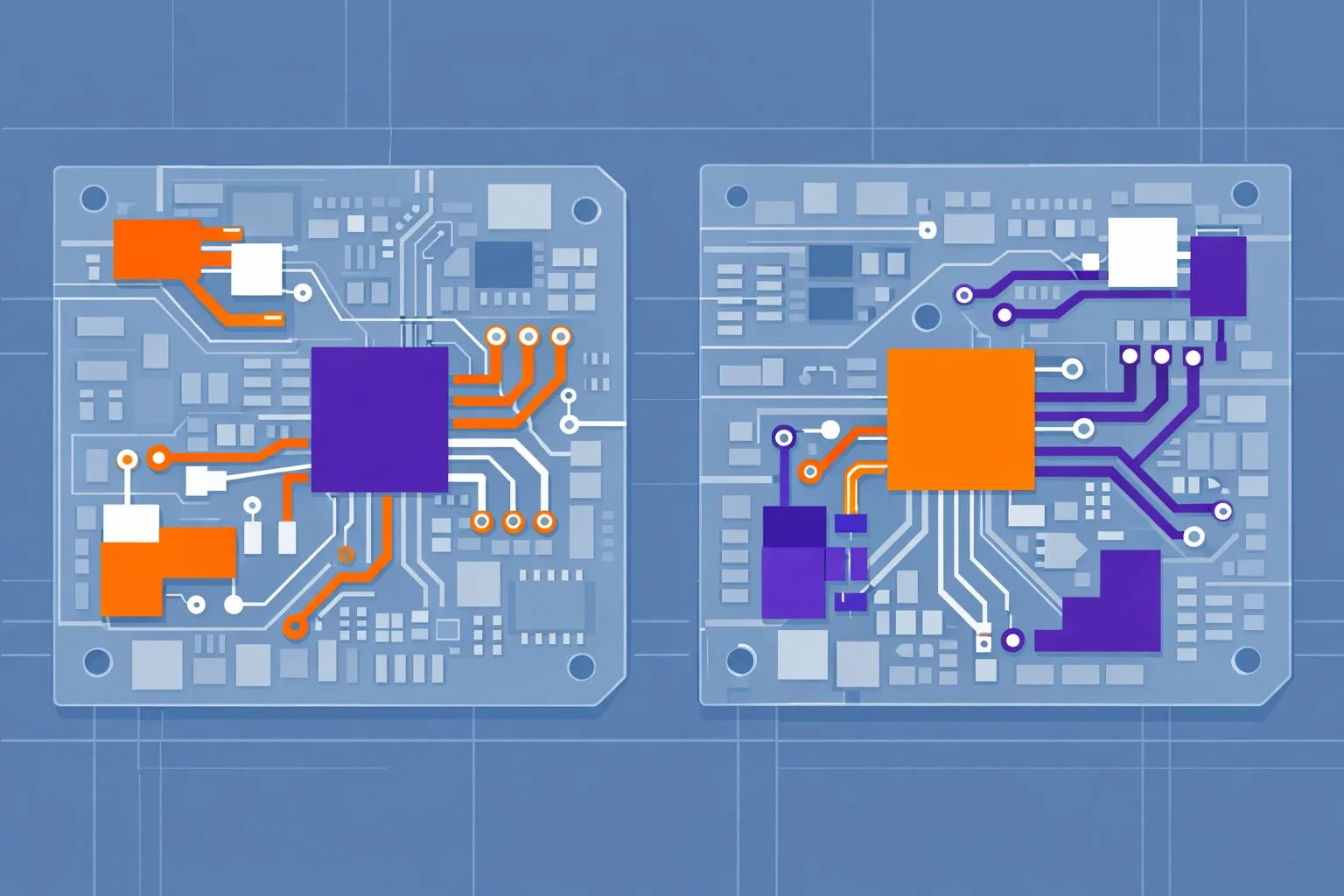
Component Report: Clear PCB Documentation Faster

  • Post author:Easylogix
  • Post published:21. April 2026
  • Post category:Blog

Turn component data into usable documentationIn PCB development, it is not enough to create a working layout. Teams also need documentation that is structured, easy to review, and immediately useful…
Continue ReadingComponent Report: Clear PCB Documentation Faster
Read more about the article Visual PCB Design Comparison with Graphic Board Compare

Visual PCB Design Comparison with Graphic Board Compare

  • Post author:Easylogix
  • Post published:20. April 2026
  • Post category:Blog

Why manual PCB comparison slows down reviewsIn PCB development, design comparisons often become a bottleneck. When revisions, variants, or layout updates are checked manually, the process takes time and the…

Continue ReadingVisual PCB Design Comparison with Graphic Board Compare
Read more about the article Panel Builder for Faster PCB Panelization

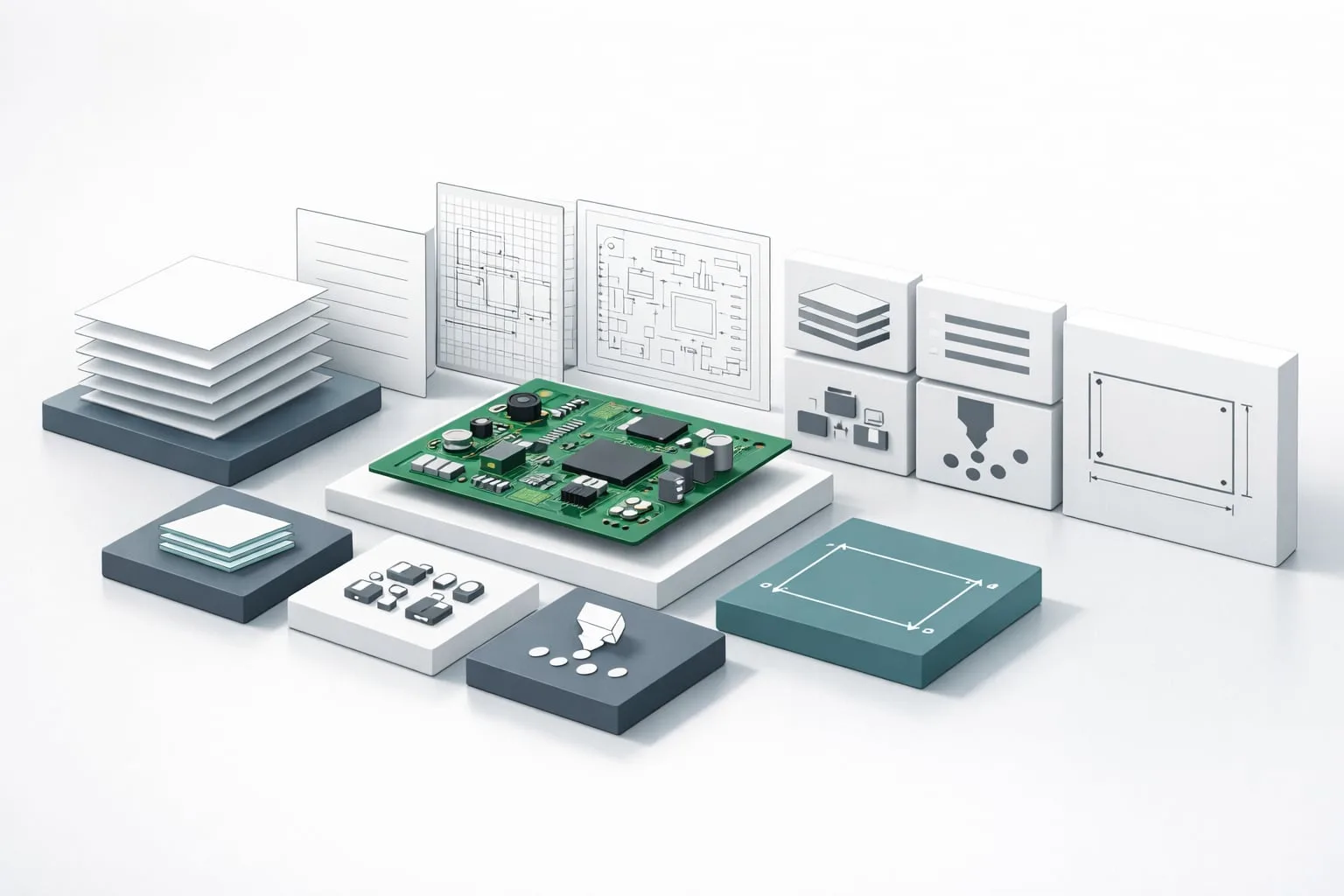
Panel Builder for Faster PCB Panelization

  • Post author:Easylogix
  • Post published:20. April 2026
  • Post category:Blog

Panelization should not be the bottleneckPCB panel creation is one of those steps that can quietly consume a lot of engineering time. The Panel Builder plug-in in PCB-Investigator is built…
Continue ReadingPanel Builder for Faster PCB Panelization
Read more about the article Design Report in PCB-Investigator for Faster PCB Documentation

Design Report in PCB-Investigator for Faster PCB Documentation

  • Post author:Easylogix
  • Post published:13. April 2026
  • Post category:Blog

Why a design report matters in the PCB workflowIn many development projects, time is lost not in the PCB design itself, but in follow-up questions, incomplete documentation, and unclear handoffs…

Continue ReadingDesign Report in PCB-Investigator for Faster PCB Documentation
Read more about the article PCB-Investigator Fabrication for Reliable PCB Production

PCB-Investigator Fabrication for Reliable PCB Production

  • Post author:Easylogix
  • Post published:10. April 2026
  • Post category:Blog

Prepare production before errors become expensiveIn PCB manufacturing, success is not determined by design alone. It also depends on how well a layout can actually be produced. That is exactly…

Continue ReadingPCB-Investigator Fabrication for Reliable PCB Production
Read more about the article Stencil Generation for Smarter PCB Stencils

Stencil Generation for Smarter PCB Stencils

  • Post author:Easylogix
  • Post published:7. April 2026
  • Post category:Blog

Stencil preparation should not depend on manual trial and errorStencil Generation in PCB-Investigator helps engineering and manufacturing teams create paste stencil data in a more structured and efficient way. In…

Continue ReadingStencil Generation for Smarter PCB Stencils
Read more about the article Tombstone DFM Analysis for Reflow-Safe PCB Design

Tombstone DFM Analysis for Reflow-Safe PCB Design

  • Post author:Easylogix
  • Post published:7. April 2026
  • Post category:Blog

Detect tombstoning before it reaches the soldering lineThe tombstone effect is one of those manufacturing issues that can quietly turn into costly rework. Small SMT components such as resistors and…

Continue ReadingTombstone DFM Analysis for Reflow-Safe PCB Design
Read more about the article AOI Analysis for PCB Designs: Catch Issues Early

AOI Analysis for PCB Designs: Catch Issues Early

  • Post author:Easylogix
  • Post published:7. April 2026
  • Post category:Blog

Verify AOI inspectability before productionAutomated Optical Inspection (AOI) is only as good as the visibility of the board design. If the camera cannot see every relevant pin or solder joint,…

Continue ReadingAOI Analysis for PCB Designs: Catch Issues Early
Read more about the article BOM Expert for Accurate AVL and BOM Validation

BOM Expert for Accurate AVL and BOM Validation

  • Post author:Easylogix
  • Post published:7. April 2026
  • Post category:Blog

Turn BOM data into a reliable engineering workflowIn PCB development, the bill of materials is more than a procurement document. If AVL and BOM data are incomplete, inconsistent, or not…

Continue ReadingBOM Expert for Accurate AVL and BOM Validation
Read more about the article Stencil Analysis in PCB Design: Catch Paste Issues Early

Stencil Analysis in PCB Design: Catch Paste Issues Early

  • Post author:Easylogix
  • Post published:31. March 2026
  • Post category:Blog

Why stencil analysis matters before productionIn PCB manufacturing, the paste printing step can make or break first-pass quality. If apertures are undersized, ratios are off, or the stencil thickness does…

Continue ReadingStencil Analysis in PCB Design: Catch Paste Issues Early
  • 1
  • 2
  • 3
  • 4
  • 5
  • Go to the next page

What is new?

  • Part Expert for PCB Cost and Availability Planning
  • PCB-Investigator Physics for Thermal PCB Simulation
  • PCB-Investigator Manual for PCB Engineering Teams
  • Speed Up PCB Development with Integrated Analysis
  • PCB-Investigator for Machine Manufacturers

Our Editions

All functions of PCB-Investigator at a glance:

Edition Overview

About us
Contact
Distribution Partner
Imprint
Privacy
Job vacancies

Social Media
Facebook
Twitter
LinkedIn
Xing
Youtube

Services
Client Login
Case Studies
Links
Newsletter
About us

More Products
Gerber Viewer
PCB CAM Online
Native Board Import (NBI)

© Schindler & Schill GmbH 2026. All rights reserved.
Manage Consent
To provide the best experiences, we use technologies like cookies to store and/or access device information. Consenting to these technologies will allow us to process data such as browsing behavior or unique IDs on this site. Not consenting or withdrawing consent, may adversely affect certain features and functions.
Functional Always active
The technical storage or access is strictly necessary for the legitimate purpose of enabling the use of a specific service explicitly requested by the subscriber or user, or for the sole purpose of carrying out the transmission of a communication over an electronic communications network.
Preferences
The technical storage or access is necessary for the legitimate purpose of storing preferences that are not requested by the subscriber or user.
Statistics
The technical storage or access that is used exclusively for statistical purposes. The technical storage or access that is used exclusively for anonymous statistical purposes. Without a subpoena, voluntary compliance on the part of your Internet Service Provider, or additional records from a third party, information stored or retrieved for this purpose alone cannot usually be used to identify you.
Marketing
The technical storage or access is required to create user profiles to send advertising, or to track the user on a website or across several websites for similar marketing purposes.
  • Manage options
  • Manage services
  • Manage {vendor_count} vendors
  • Read more about these purposes
View preferences
  • {title}
  • {title}
  • {title}